Field note
Get Read Fast, Creatives: Press Kit PDFs Editors Open in 30 Seconds
Create a lightweight, email-ready press kit PDF for creatives: discipline-aware page order, export settings, captions, and brand-aware templates to get...
A press kit PDF is a downloadable document that gives journalists everything they need to cover you: your bio, hi-res photos, project details, and contact information in one file. The best approach in 2026 treats it as a companion to an online newsroom, not a replacement for one. Host your full media library on a live page, then offer a lightweight PDF for offline reading and quick email attachments.
TL;DR:
- Keep the press kit PDF under a few megabytes by compressing images and linking to hosted videos rather than embedding them to ensure quick email delivery.
- Structure the press kit starting with a clear title, logline, and synopsis, followed by concise bios, high-res images with captions, technical specs, press mentions, and contact details in that order.
- Include only essential content that helps journalists write about you within ten minutes, and omit mission statements, lengthy bios, or irrelevant details.
- Use standardized and descriptive file names with captions, credits, and usage rights directly attached to media files to make it easy for editors to use your assets.
- Host an online newsroom as the primary source of information, using the PDF solely for direct requests or festival submissions to maintain up-to-date and discoverable media.
Table of Contents
- What Belongs in a Press Kit PDF
- How Do You Keep a Press PDF Small Enough to Email?
- What's the Best Page Order for a Press Kit Layout?
- Should You Email a PDF or Host a Newsroom?
- Naming and Captioning Files So Journalists Don't Have to Ask
- Where to Find Press Kit Examples Worth Copying
- Why a Lightweight PDF Still Earns Its Place
- Build Your Press Kit PDF Without Starting From Scratch Each Time
- Sources
- FAQ
What Belongs in a Press Kit PDF
Every press kit PDF lives or dies on whether a busy editor can find the facts in under 30 seconds. Skip the mission statement. Lead with what matters.
A well-built press kit typically covers a synopsis, high-quality images, bios, press coverage, technical specs, and contact information, and that structure holds up whether you're a filmmaker submitting to festivals or a musician pitching a blog. Here's the priority order that actually works:
- Title, logline, and synopsis. One sentence that says what the project is, followed by a single paragraph that expands on it. If a journalist only reads this, they should still understand your pitch.
- Artist or project statement plus short bios. Keep bios to 100 words each, written in third person, ready to paste into an article.
- Hi-res photos and logos, each with a caption and photographer credit baked in.
- Technical specs: running time, file formats, tracklist, dimensions, release date, whatever applies to your medium.
- Press quotes, award nominations, and festival screenings, listed chronologically so an editor can see momentum at a glance.
- Contact information and usage rights, stated plainly, not buried in a footer nobody reads.
Skip anything that doesn't help a stranger write about you in the next ten minutes. That's the real test.
How Do You Keep a Press PDF Small Enough to Email?
Your press PDF should stay under a small file size suitable for email attachments. Anything heavier risks bouncing from inboxes with strict attachment limits, and it makes your file the thing a journalist avoids opening on a slow connection.
Compress images to 150 dpi for on-screen use. Save 300 dpi versions separately for anyone who explicitly needs print quality, and don't mix the two inside a single file. Never embed video directly in a PDF. It bloats file size and tanks preview speed, so link out to a hosted trailer on YouTube or Vimeo instead, with a still frame as the visual placeholder.
- Compress images before placing them, not after
- Embed fonts or default to system fonts so layout doesn't break on open
- Set PDF metadata (title, author, keywords) so the file is searchable
- Put contact info in the footer of every page, not just page one
Pro Tip: Build two exports every time: a compressed web version for email and a high-res print version for anyone requesting physical materials. Test the lightweight one in Gmail's and Outlook's preview panes before you send it. If it hangs or renders blank, so will it for the editor you're pitching.
Practitioners in PR consistently recommend keeping heavy files out of the PDF entirely and linking to hosted assets instead, which is the single biggest lever for keeping your file lean.
What's the Best Page Order for a Press Kit Layout?
Follow a sequence a tired editor can skim without thinking: title page, synopsis, hero image, bios and credits, technical specs, press quotes, then contact details. That order mirrors how journalists actually read, top to bottom, fact to fact.
A few layout habits separate a professional press kit from an amateur one:
- Keep margins consistent across every page. Inconsistent spacing reads as unfinished.
- Caption every image. An uncaptioned photo is a liability, not an asset.
- Avoid full-page text blocks. Break copy into short paragraphs with generous white space.
- Keep your contact block visible on more than one page in case the file gets split or forwarded.
Design tools like Canva, Visme, and Adobe Express all export to PDF and offer press-kit templates, though most require manual rebranding for every new project. Assets.dev handles that differently by learning your branding once and applying it automatically across future exports, which matters if you're producing kits for multiple releases or campaigns a year rather than a single one-off.
Adapt the sequence per discipline. A film dossier needs a longer credits page; a musician's EPK needs a tracklist and streaming links; a visual artist's dossier needs larger image real estate and less text. If you're handing off to a designer for print, confirm bleed, color profile (CMYK vs. RGB), and crop marks before final export, since those settings are what separates a file that prints cleanly from one that comes back with white edges. Our graphic design tools guide covers export settings in more depth if you want the specifics.
Should You Email a PDF or Host a Newsroom?
Send the PDF only when someone asks for it directly or a festival submission portal requires a file upload. For everything else, a hosted newsroom wins.
- Host an online newsroom as your source of truth. It updates instantly when a quote or credit changes, and it's discoverable by search engines, unlike a PDF sitting in someone's downloads folder.
- Reserve the downloadable PDF for direct requests. A journalist mid-deadline often just wants a file they can forward to an editor without clicking through a webpage.
- Package heavy media separately. Bundle hi-res images and trailers into a ZIP hosted on a CDN or cloud drive, and link to it from both the newsroom and the PDF.
- Use clean, short URLs for outreach. A link like yoursite.com/press beats a auto-generated string full of tracking parameters that looks suspicious in an inbox.
- Track engagement lightly. Basic page analytics tell you whether a pitch landed, and a short follow-up a few days later, not a few hours, respects a journalist's schedule.
Editors increasingly treat the online newsroom as primary and view the PDF as a convenience layer on top of it. That shift matters because a hosted page never goes stale the way a PDF from six months ago quietly does.
Naming and Captioning Files So Journalists Don't Have to Ask
Beyond the PDF itself, you'll typically supply hi-res photos, logo files (SVG and PNG), a one-sheet, and maybe a trailer or audio sample. How you name and caption these files determines whether a journalist uses them or moves on to someone whose kit is easier to work with.
- Use a consistent naming pattern:
lastname_projectname_photo01.jpg, notIMG_4821.jpg. - Write captions and credit lines a journalist can copy verbatim: "Photo by Jane Doe, courtesy of [Project Name]."
- State usage rights per file, even briefly: "Free for editorial use with credit."
- Organize multiple formats into folders with a short README explaining what's inside.
A journalist-ready package includes exact caption text, credit, dimensions, and a usage line attached to every file, not just the hero image. If you're commissioning new photography, guidance on producing PR-ready headshots and press photos is worth a look before your next shoot.
Where to Find Press Kit Examples Worth Copying
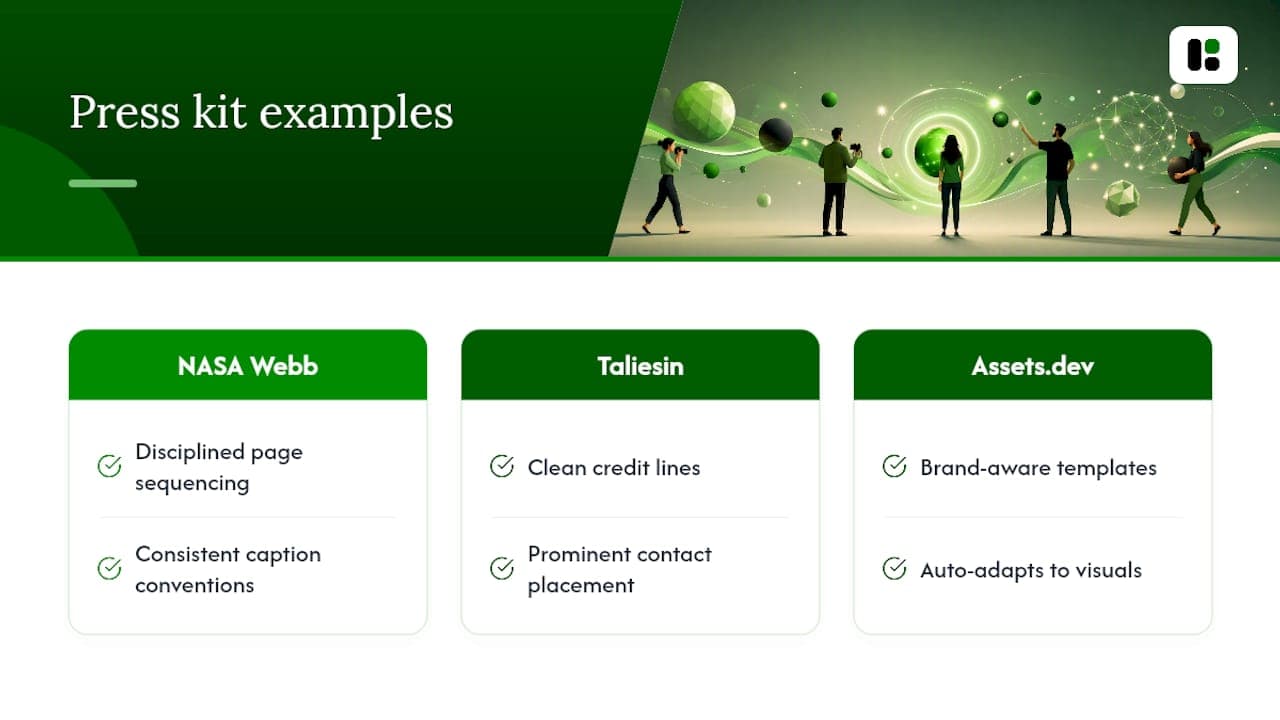
Look at real examples before building your own. NASA's Webb telescope media kit shows disciplined page sequencing and caption conventions worth borrowing regardless of your field. Taliesin Preservation's media kit demonstrates clean credit lines and contact placement.
For faster starts, Assets.dev's brand-aware templates adapt to your visuals automatically instead of forcing manual rebuilds each time. Before using any example as a model, check it against a short list: does it lead with a synopsis, caption every image, and put contact info somewhere you can't miss it?
Why a Lightweight PDF Still Earns Its Place
A PDF isn't obsolete. It's the one format that works offline, prints cleanly, and survives being forwarded through three inboxes without breaking. The mistake creatives make is treating it as the whole strategy instead of one piece of it.
What we built Assets.dev around is removing the manual rebuild step: teach it your branding once, and every future press kit export inherits it, whether you're generating a PDF, an image set, or platform-specific assets for LinkedIn or Substack.
— Desplega Labs
Build Your Press Kit PDF Without Starting From Scratch Each Time
Assets.dev is built for creatives who need a professional press kit PDF without hiring a designer for every release or festival cycle. You get brand-customizable templates that learn your colors, fonts, and logo in seconds, then apply them automatically across future exports.
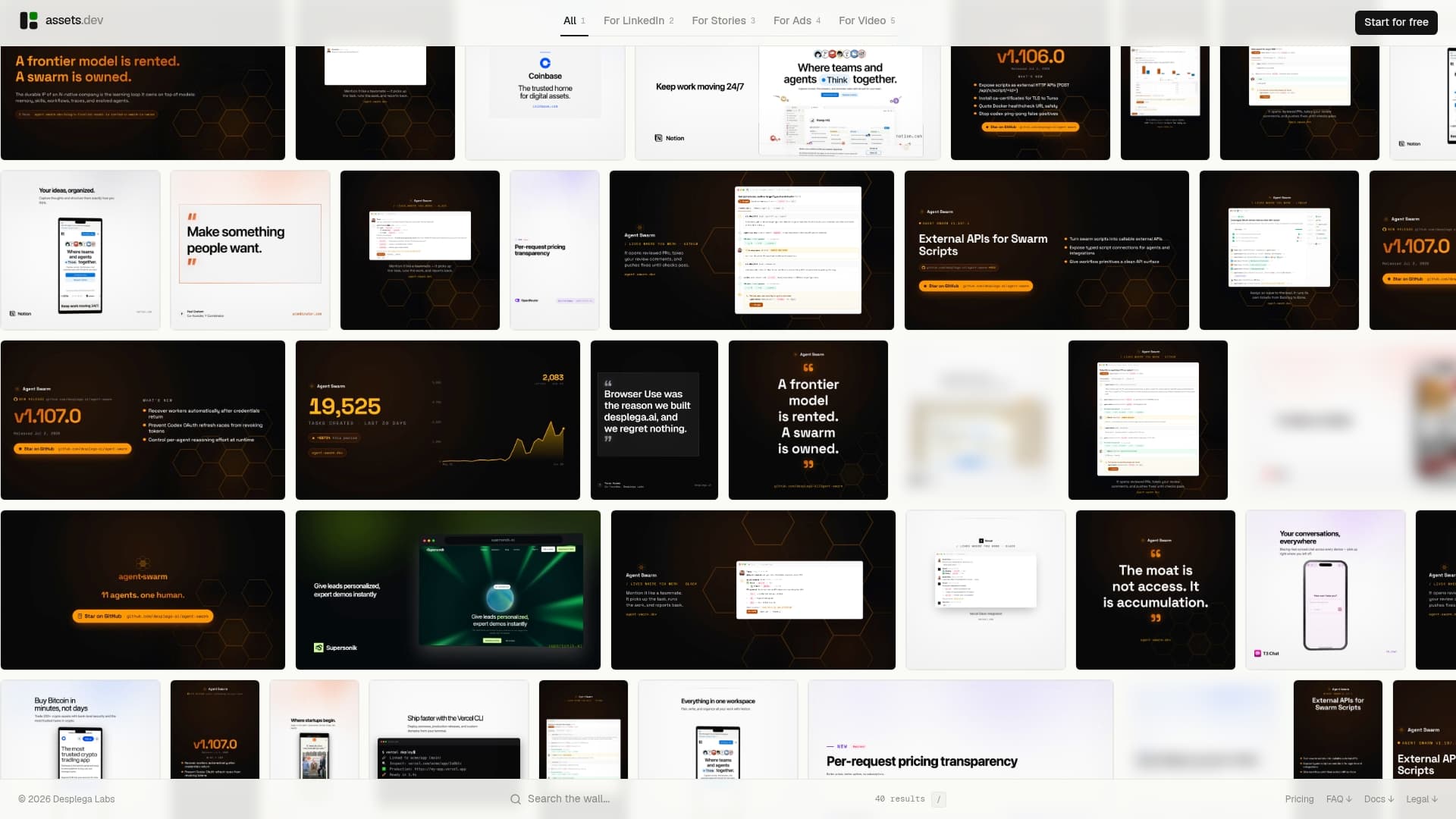
The platform handles images, videos, and PDFs from one system, and if you're already running an automated outreach or publishing flow, the CLI, API, and MCP integrations let you generate press-ready assets without opening a design tool at all. Our PDF generation API guide walks through the technical setup if you want automated exports tied into your existing workflow.
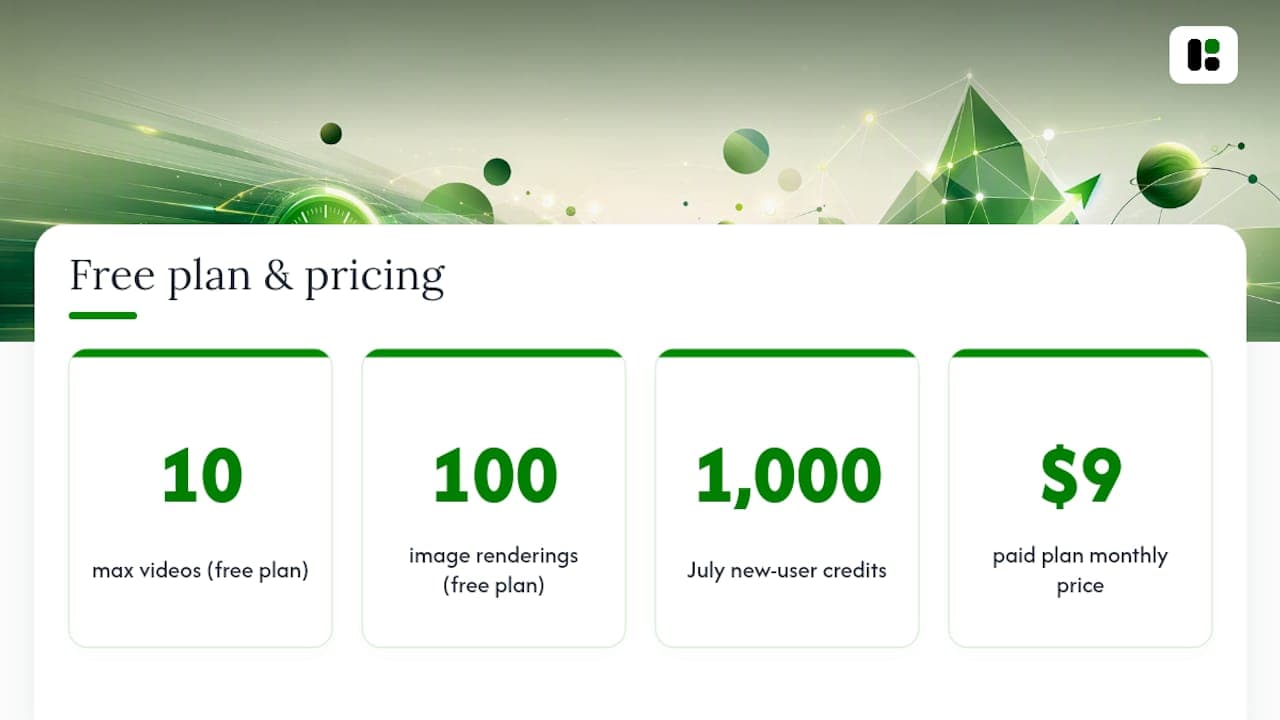
The free plan requires no credit card and covers up to 10 videos or 100 image renderings, and through July, new users get 1,000 credits instead of the usual 100. If you outgrow that, the paid plan runs $9 a month. Assets and build your next press kit PDF before your afternoon coffee gets cold.
Sources
For deeper background beyond this guide, the sources below cover the essentials, template structures, and export tradeoffs referenced throughout this article.
FAQ
What Should a Press Kit Include?
At minimum, a synopsis, bios, hi-res photos with credits, technical specs, press coverage or quotes, and clear contact information. Miss the contact section and everything else becomes useless to a journalist on deadline.
What's the Difference Between a Press Kit and an EPK?
An EPK, short for electronic press kit, historically meant a digital bundle with audio or video, while a traditional press kit was printed. Today the terms overlap almost completely since nearly every press kit is digital by default.
How Do I Make My Own Press Kit?
Start with the core content: logline, bios, photos, and specs, then lay it out in a page sequence from title to contact info. Tools like Adobe Express or Assets.dev speed this up by handling the design and brand consistency for you.
How Can I Create a Media Kit for Free?
Most design platforms, including Canva and Assets.dev, offer free tiers that cover basic press kit creation without a credit card. Assets.dev's free plan includes up to 10 videos or 100 image renderings before any paid upgrade is needed.
Should I Attach the PDF or Send a Link?
Send a link to a hosted newsroom by default, and reserve the PDF attachment for direct requests or submission portals that require a file upload. This keeps your materials current and avoids the versioning problems that come with emailed attachments.