Field note
Best AI Marketing Tools for Growth Teams in 2026
Discover the best AI marketing tools for growth teams in 2026. Create brand-consistent assets effortlessly with automated solutions and free credits!
TL;DR:
- Purpose-built marketing asset platforms with persistent brand memory and API access enhance high-volume, automated content creation. They eliminate rework cycles and streamline workflows by integrating seamlessly into existing marketing stacks. These tools are most cost-effective when producing more than 20 assets per month and support faster, more consistent campaign deployment.
For growth teams that need API-driven, brand-consistent marketing assets at scale, purpose-built marketing asset platforms are the right call. General chatbots can draft copy, but they forget your brand the moment the session ends. assets dev is built differently: it stores your brand context, renders images, videos, and PDFs on demand, and plugs directly into your automation stack via CLI, API, or MCP.
Why this matters for your workflow:
- Brand memory from day one. Upload your style guide once; every asset reflects it automatically.
- API/CLI/MCP integration. Drop asset generation into any existing growth flow without manual steps.
- Curated template library. Start with proven formats for LinkedIn, Instagram, Google, X, Substack, and more.
- Free plan, no credit card. Up to 10 videos or 100 image renderings before you spend a dollar.
July promotion: sign up now and get 1,000 free credits instead of 100.
Table of Contents
- Why do purpose-built AI marketing platforms outperform general chatbots?
- What should you look for in AI marketing tools for automation?
- How does assets dev map to the buyer checklist?
- Three automation workflows you can run with templates and the API
- How to onboard your brand and launch your first automated campaign
- What does automated asset production actually cost, and when does it pay off?
- Key Takeaways
- The case for going narrow, not wide
- Try assets dev for your next campaign pilot
- Useful sources
- FAQ
Why do purpose-built AI marketing platforms outperform general chatbots?
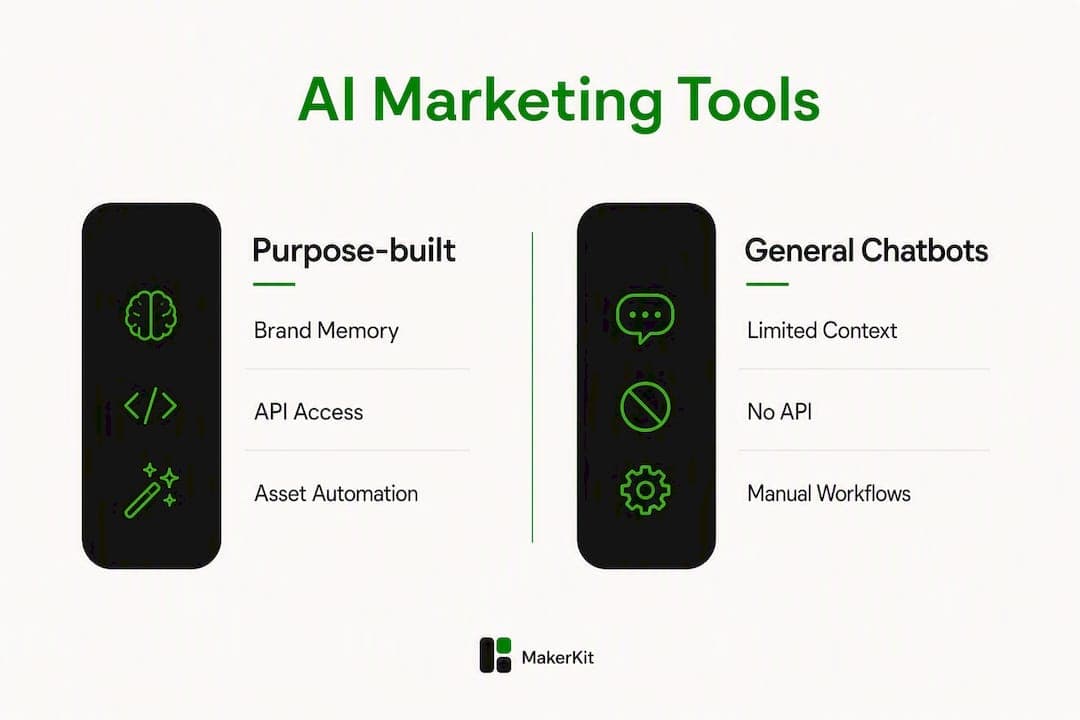
The honest answer: general-purpose AI tools are generalists. They write, they reason, they answer questions. What they do not do is remember that your brand uses Helvetica Neue, avoids exclamation points, and always leads with a product benefit. Every session starts cold.
Purpose-built marketing platforms solve this with a persistent brand context layer. Think of it as a centralized "Marketing Brain" that stores your voice, personas, product facts, and visual rules. Once it is loaded, every render reflects those constraints without you re-specifying them.
The real productivity gap is not generation speed. It is the rework cycle. When a chatbot produces an asset that ignores your brand guidelines, someone has to catch it, fix it, and re-approve it. Purpose-built platforms with embedded brand memory eliminate that loop entirely, cutting campaign assembly from days to hours.
The integration story matters just as much. MCP-style connectors let brand context travel with generated assets across your stack, so outputs route automatically into your CRM, CMS, or ad platform without a manual handoff. That is the difference between a tool you use and a pipeline that runs.
Salesforce's research on agentic marketing points toward the same direction: autonomous agents that act on unified campaign data, creating segments and adapting content in real time. Purpose-built platforms are the infrastructure layer that makes that possible.
Key advantages over general chatbots:
- Persistent brand context across every render
- Template libraries built for specific output formats (social, PDF, video)
- Native API/CLI access for batch generation and scheduling
- Direct integrations with ad platforms and CMS tools
- Measurable throughput: assets per hour, not per session
What should you look for in AI marketing tools for automation?
Use this checklist before committing to any platform. Not every criterion carries equal weight for every team, so the priority column matters.
Tier 1 (non-negotiable for high-volume automation):
- Brand memory. Does the platform store and apply your style guide, voice, and product knowledge persistently?
- API/CLI access. Can you trigger renders programmatically, or are you stuck in a UI?
- Template quality. Are templates purpose-built for your output formats (LinkedIn carousels, Google display, PDF one-pagers)?
- Throughput. How many assets can you render per hour or per day before hitting a rate limit?
Tier 2 (important for scale):
- Integration depth. Does it connect to your CRM, CMS, or ad platform natively or via MCP?
- Analytics. Can you measure which asset variants drive engagement?
- Governance and security. Are there approval workflows and data-handling policies?
- Onboarding speed. How long before the system reflects your brand accurately?
Tier 3 (nice to have):
- Dedicated support and SLA
- Fine-tuning or model customization options
App-hopping kills productivity for lean teams. Drafting in one tool, designing in another, scheduling in a third creates context-switching overhead that compounds fast. Prioritize platforms that centralize drafting, approval, and scheduling in a single flow.
Pro Tip: Run a two-week pilot before committing. Define three success metrics upfront: assets produced per week, revision rounds per asset, and time from brief to published. If a platform cannot show improvement on all three within 14 days, it is not the right fit.
How does assets dev map to the buyer checklist?
assets dev is built specifically for the criteria above. Here is how it maps:
| Buyer criterion | assets dev capability |
|---|---|
| Brand memory | Learns your brand in seconds; applies style, voice, and product context to every render |
| Template library | Curated growth asset templates: images, videos, PDFs, social posts |
| API/CLI/MCP | Full API, CLI, and MCP integration for automated pipelines |
| Output formats | LinkedIn, Instagram, Google, X, Substack, and more |
| Onboarding speed | Brand context active within a single session |
| Pricing | Free plan (10 videos or 100 images, no credit card); pro plan at €9/month |
| Throughput | Batch rendering via API; scales with plan tier |
| Integration | Connects to existing stacks via MCP connectors |

The free plan is genuinely useful for a pilot. One hundred image renders covers a full month of social content for most teams. The pro plan at €9/month is priced below any freelance design hour, which makes the ROI math straightforward.
Onboarding is fast by design. Import your brand guide, verify a sample render, and you are generating on-brand assets the same day. The brand memory system means you do not re-specify constraints on every API call.
Three automation workflows you can run with templates and the API
Workflow A: Weekly social batch generation
- Select a template set for the week's content themes (LinkedIn carousel, Instagram square, X header).
- Call the API with your content brief and brand context already loaded.
- Render a batch of assets in a single job.
- Push outputs to your scheduler (Buffer, Later, or a custom cron job).
Estimated time from brief to scheduled: 2–3 hours, versus a full day manually.
Workflow B: Multi-variant paid ad creative
- Define a variant matrix with multiple headlines, visuals, and CTAs to create various versions.
- Pass the matrix to the API as a structured payload.
- Render all variants; tag each with metadata for your ad platform.
- QA checkpoint: spot-check 3–4 variants for brand compliance before upload.
- Upload to Google or Meta via their respective APIs.
This workflow compresses what typically takes a designer two days into an afternoon.
Workflow C: Product launch kit on demand
- Write a concise product brief.
- Trigger a multi-format render: email header, landing page hero, social post set, and a PDF one-pager.
- Orchestrate outputs via MCP to route each format to the right destination (CMS, email platform, ad account).
First delivery in a few hours. Iteration on any single format takes minutes, not a redesign cycle.
For teams focused on Instagram content automation or video-heavy pipelines, the same API-first logic applies across formats.
How to onboard your brand and launch your first automated campaign
Step-by-step checklist:
- Sign up for the free plan at assets.dev (no credit card required).
- Import brand assets: upload your logo, color palette, typography spec, and a voice/tone brief.
- Verify brand context: render one test asset and confirm it matches your guidelines.
- Select a starter template: pick one format relevant to your next campaign (e.g., LinkedIn carousel).
- Authenticate the API: generate your API key and test a single render call.
- Run a batch test: send a small payload (5–10 assets) and review outputs.
- Connect your scheduler or CMS via MCP or a webhook.
- Set governance rules: define who approves before publish (growth engineer renders, marketer reviews, team lead approves).
- Launch the pilot: run one week of scheduled content from the automated pipeline.
- Measure: track assets produced, revision rounds, and time saved versus your previous process.
Roles: growth engineer handles steps 1–6; marketer owns steps 3–4 and 8; both review step 10.
Pro Tip: Use synthetic test data for your first three batch runs. It lets you stress-test the pipeline without publishing anything. Set a rollback threshold: if more than 20% of renders require manual correction, pause and refine the brand context before scaling.
What does automated asset production actually cost, and when does it pay off?
The pricing math is simple. A freelance designer charges $50–$150 per asset. A junior in-house designer typically produces several polished assets per day. At that rate, a team needing many assets per month faces significant design costs or a full-time hire.
assets dev's pro plan costs €9/month. Even accounting for the time a marketer spends on briefs and QA, the unit economics shift dramatically once you pass roughly 20 assets per month.
Where automation pays most clearly:
- Monthly asset volume above 20 pieces
- Recurring formats (weekly social posts, monthly ad refreshes)
- Multi-variant testing where you need 10+ versions of the same creative
- Teams without a dedicated designer
Fewer, deeper tools consistently outperform sprawling stacks. The hidden cost of tool sprawl is not the subscription fees; it is the coordination time between them.
Salesforce's research on agentic marketing shows that autonomous agents optimizing budget allocation in real time require a reliable, high-throughput asset layer underneath them. Without it, the agent has nothing to deploy.
Key Takeaways
Purpose-built, API-first marketing asset platforms give growth teams the brand consistency, throughput, and integration depth that general chatbots cannot match.
| Point | Details |
|---|---|
| Purpose-built beats general | Platforms with persistent brand memory eliminate the rework cycle that chatbots create. |
| API/CLI is non-negotiable | Without programmatic access, you cannot build repeatable, scalable asset pipelines. |
| Pilot before committing | A two-week test measuring assets produced, revision rounds, and time saved reveals fit fast. |
| ROI threshold | Automation pays clearly once your team needs a substantial number of assets per month. |
| assets dev free plan | Start with 10 videos or 100 image renders at no cost; pro plan is €9/month. |
The case for going narrow, not wide
The conventional wisdom in martech is to build a stack: one tool for copy, one for design, one for scheduling, one for analytics. That advice made sense when AI tools were single-purpose. It does not hold anymore.
The teams producing the most content with the least friction are not using more tools. They are using fewer tools that go deeper. A platform that stores your brand, renders your assets, and pipes outputs directly into your scheduler removes three handoffs from every campaign cycle. Those handoffs are where quality degrades and timelines slip.
The other thing most articles understate: brand governance at scale is genuinely hard. When a chatbot generates 50 assets, someone has to check all 50 for brand compliance. When a purpose-built platform with embedded brand context generates 50 assets, you spot-check 5. That difference compounds across every campaign you run.
Start narrow. Pick one format, one channel, one week. Measure what changes. Then expand.
Try assets dev for your next campaign pilot
Growth teams spending hours on manual asset production have a faster path. assets dev gives you a curated template library, instant brand memory, and full API/CLI access for €9/month after a free tier that requires no credit card.
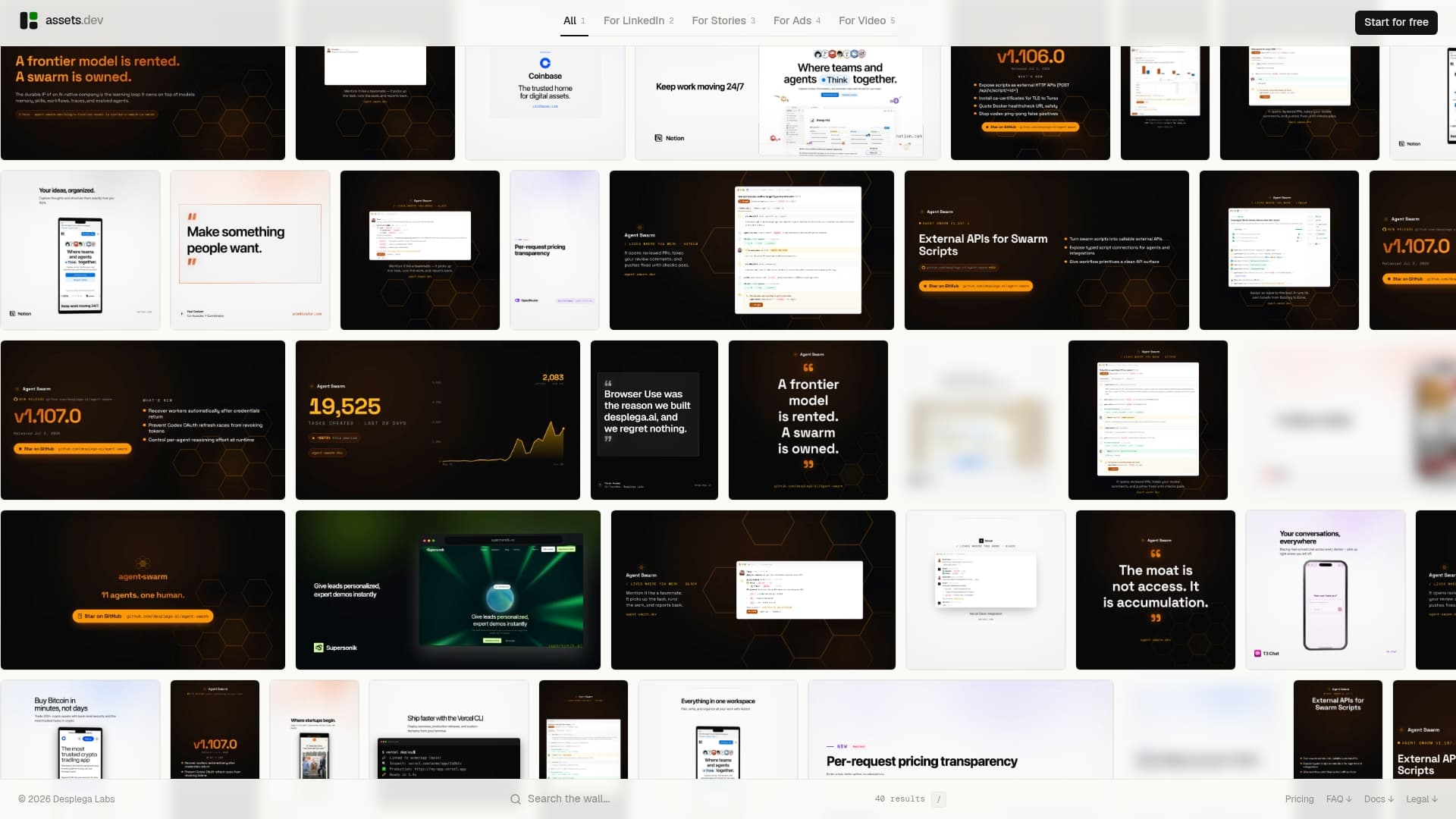
The free plan covers 10 videos or 100 image renderings, which is enough to run a complete one-week social pilot. Sign up, import your brand guide, pick a template, and have your first batch of on-brand assets ready the same day. If you are signing up in July, you get 1,000 free credits instead of 100.
Start your free pilot and see how many hours your team gets back in the first week.
Useful sources
Research and references that back the claims in this article:
- Agentic marketing (Salesforce) — supports the case for autonomous agents and always-on campaign orchestration.
- The 17 best AI marketing tools in 2026 (Zapier) — source for the "app-hopping" productivity finding and the value of consolidated workflows.
- Claude marketing plugin (MCP) — explains how MCP connectors maintain brand governance across tools.
- assets dev (landing page and pricing) — primary source for feature details, free plan quotas, and pro plan pricing.
- 30 best AI marketing tools in 2026 (Marketer Milk) — broader market context for how leading brands are deploying AI marketing tools.
For implementation depth, the assets dev blog covers platform-specific automation workflows. Run a short pilot using the onboarding checklist above, then consult the API docs for batch rendering and MCP setup.
FAQ
What are the best AI marketing tools for automation?
Purpose-built platforms with API/CLI access and persistent brand memory outperform general chatbots for automated, high-volume asset production. assets dev is built specifically for this use case, covering images, videos, and PDFs across LinkedIn, Instagram, Google, X, and Substack.
How does brand memory work in AI marketing platforms?
Brand memory stores your style guide, voice, and product knowledge in a persistent context layer. Every asset rendered by the platform automatically reflects those constraints without you re-specifying them on each call.
Is there a free plan for AI marketing asset tools?
assets dev offers a free plan with up to 10 videos or 100 image renderings, no credit card required. The pro plan is €9/month.
When does AI asset automation actually pay off financially?
The ROI case becomes clear once your team needs more than 20 assets per month. At that volume, the time savings versus manual design or freelance costs exceed the platform subscription by a wide margin.
What is MCP and why does it matter for marketing workflows?
Model Context Protocol (MCP) connectors let brand context and generated assets move automatically between tools, routing outputs into your CRM, CMS, or ad platform without manual steps. This is what makes high-throughput, multi-channel pipelines practical for lean teams.