Field note
Instagram Content Automation for Growth Marketers
Discover how Instagram content automation can save time, boost consistency, and enhance brand coherence. Learn effective strategies for growth!

TL;DR:
- Instagram content automation involves scheduling tools and AI systems to plan and publish posts automatically. It enables consistent, high-frequency posting while reducing manual effort for marketing teams. Proper integration, brand controls, and compliance with Instagram policies ensure effective and safe automation practices.
What is Instagram content automation and why does it matter?
Instagram content automation means using scheduling tools and AI-driven systems to plan, create, and publish posts without doing it manually every time. For marketing professionals running multiple accounts or campaigns, that distinction is the difference between a sustainable content operation and a daily scramble.
The core benefits break down quickly:
- Time savings: Batch-create a week of posts in one session instead of logging in daily
- Consistency: Automated scheduling holds your posting cadence even when your team is heads-down on other work
- Brand coherence: AI-powered generation applies your colors, fonts, and voice across every asset
- Higher frequency: Automation makes it practical to post 5–7 times per week without burning out
- Data-driven iteration: Analytics from scheduled posts feed back into content planning, closing the loop
The shift from manual posting to content marketing automation is less about laziness and more about leverage. A growth hacker who manually posts every day is spending creative energy on logistics.
Table of Contents
- What can Instagram's native scheduling actually do?
- How do third-party tools and AI take automation further?
- How do you keep automated posts on-brand and balanced?
- How does assets dev fit into an automated Instagram workflow?
- How do you get started and what does it cost?
- What Instagram policies govern automated posting?
- Which metrics tell you if your automated content is working?
- How do you manage engagement when posts go out automatically?
- What security risks come with third-party automation tools?
- assets dev gives you the asset layer your automation pipeline is missing
- Key Takeaways
- FAQ
What can Instagram's native scheduling actually do?
Instagram's built-in tools cover more ground than most marketers realize, but they hit a ceiling fast for professional use.
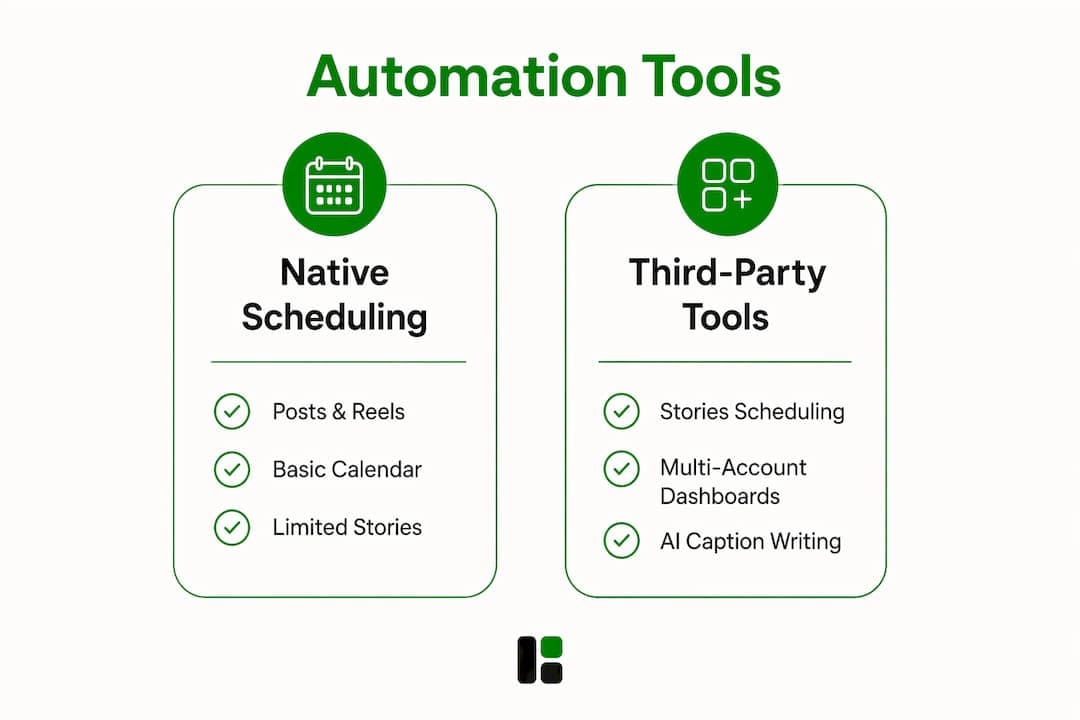
Native scheduling supports posts, carousels, and Reels for all public accounts. Stories are the notable exception: scheduling them requires Meta Business Suite or a third-party tool. Private accounts cannot use scheduling at all, which matters if you manage any brand accounts still set to private.
A few hard limits worth knowing:
- A limited number of scheduled posts can be set at any one time
- Scheduling is available only within a limited advance window
- No multi-account management within the native Instagram app
- No approval workflows for team collaboration
- No feed preview to visualize grid aesthetics before publishing
Meta Business Suite extends native capabilities slightly, adding Stories scheduling and a basic content calendar. For solo creators with one account and simple needs, that combination works fine. For anyone managing clients, running A/B tests, or coordinating a content team, the native tools create friction rather than remove it.
How do third-party tools and AI take automation further?
This is where Instagram post scheduling gets genuinely interesting. AI-driven automation integrates caption writing, hashtag generation, and real-time social listening to adjust strategy dynamically, not just push content on a timer.

Third-party platforms handle the gaps native tools leave open: Stories scheduling, multi-account dashboards, team approval workflows, and feed grid previews. Beyond scheduling, the more sophisticated layer involves agentic workflows that combine LLM content planning with programmatic image rendering to produce brand-aligned posts at scale.
Custom-built automation using browser-based agents like Playwright can handle complex content types that APIs don't support. The tradeoff is real: these tools may violate Instagram's terms of service, and Instagram's ML detection has grown sharper. A frequent maintenance burden compounds the risk because Instagram UI changes break selector scripts regularly, requiring ongoing updates to keep automations running.
For growth hackers comfortable with technical implementation, the capability ceiling is high. For marketing teams that need reliability without engineering overhead, managed platforms with API access are the safer path.
Pro Tip: If you're testing browser-driven automation, run it on a dedicated scratch account first. Match session cookies to a consistent residential IP, and keep posting pace conservative during the first two weeks. Detection risk drops significantly with patient warmup.
How do you keep automated posts on-brand and balanced?
Automation without brand guardrails produces volume, not value. The discipline here is structural.
Grouping posts into categories and bulk-scheduling reduces daily decision fatigue and keeps your content mix intentional. A typical category structure might include educational posts, product highlights, social proof, and engagement prompts, rotated on a set cadence. That rotation prevents your feed from becoming a monotone product catalog.
Practical brand-consistency measures for automated content:
- Lock in visual templates with your exact hex codes, typefaces, and logo placement before generating at scale
- Write caption templates that encode your brand voice, then use AI to vary them rather than generate from scratch
- Set approval checkpoints for any AI-generated asset before it publishes, at least initially
- Use feed preview tools to catch visual clashes before they go live
- Review analytics weekly and adjust category weights based on what actually drives saves and shares
Maintaining brand colors, fonts, and voice within automated image and caption generation is what separates a professional content pipeline from a generic one. The visual consistency compounds over time: a recognizable grid builds audience trust faster than high-volume posting alone.
How does assets dev fit into an automated Instagram workflow?
assets dev is built specifically for this layer of the problem. It's a curated SaaS platform for growth marketing templates covering images, videos, and PDFs, designed for Instagram, LinkedIn, Google, X, Substack, and other platforms.
What makes it practical for automation:
- API, CLI, and MCP integrations drop directly into existing growth workflows without manual asset production
- Instant brand learning: the platform reads your branding and tailors every template to it in seconds
- Curated template quality: every template is built for marketing performance, not generic design
- Multi-format output: images, videos, and PDFs from one platform, sized for each channel
- Freemium entry point: start without a credit card and test the output against your brand before committing.
For teams already running social media management workflows, assets dev slots in as the asset generation layer. Your scheduler handles timing; assets dev handles the branded visual output that goes into the queue.
Pro Tip: Use assets dev's CLI or MCP integration to pipe freshly generated assets directly into your scheduling tool's upload queue. That single connection eliminates the manual download-upload step that breaks most automation pipelines.
How do you get started and what does it cost?
The practical path from zero to automated Instagram content follows a clear progression.
First, confirm your account setup: public business or creator accounts are required for scheduling tools to connect via the Instagram API. Personal accounts and private accounts block third-party integrations.
assets dev pricing:
- Free plan: up to 10 video renders or 100 image renders, no credit card required. In July, the free plan includes 1,000 credits instead of the standard 100.
- Pro plan: €9 per month for expanded usage
Third-party scheduling tools vary widely in cost. Most professional-grade platforms run $15–$99 per month depending on account volume and team size, though pricing is not publicly listed here for specific tools.
A sensible rollout sequence:
- Start with native Instagram scheduling for basic posts while you evaluate third-party tools
- Add a scheduling platform once you're managing more than one account or need approval workflows
- Integrate assets dev via API or MCP once your content categories and templates are defined
- Expand to agentic workflows only after the simpler pipeline is stable and producing consistent output
What Instagram policies govern automated posting?
Instagram's terms of service prohibit automation that mimics human behavior to artificially inflate engagement, scrapes data without authorization, or uses unauthorized third-party apps to access the platform. The line between permitted scheduling and prohibited automation is real.
Permitted: scheduling posts via the official Instagram Graph API, using Meta Business Suite, or connecting Meta-approved third-party tools. Prohibited: browser-driven bots that simulate human clicks, bulk follow/unfollow scripts, and automated DM campaigns at scale.
Violations trigger a graduated response: action blocks, temporary restrictions, and in repeat cases, permanent account suspension. Instagram's detection has become more sophisticated, flagging behavioral patterns rather than just API fingerprints.
The practical rule: if a tool requires your Instagram password rather than connecting via OAuth and the official API, treat it as high-risk.
Which metrics tell you if your automated content is working?
Reach and impressions show distribution. Engagement rate (likes, comments, saves, shares divided by reach) shows resonance. Saves are the metric Instagram's algorithm weights most heavily for content amplification.
Track these specifically for automated content:
- Save rate per post type: which content categories earn saves consistently
- Follower growth rate: net new followers per week, segmented by content type
- Story completion rate: what percentage of viewers watch Stories to the end
- Best-time accuracy: whether your scheduled times actually align with when your audience is active
- Click-through rate on link-in-bio traffic tied to specific post campaigns
Review these weekly, not monthly. Automated content pipelines can drift from what's working faster than manual ones because volume masks individual post performance.
How do you manage engagement when posts go out automatically?
Automation handles publishing. Engagement still requires a human, or at minimum a structured response system.
Set up comment monitoring alerts so your team sees replies within the first hour of a post going live. That window matters most for algorithmic amplification. Saved reply templates for common questions speed up response time without making replies feel robotic.
For DMs triggered by automated posts, a triage system works better than trying to respond to everything immediately. Categorize by intent: purchase inquiry, support issue, or general engagement, and route accordingly. Automated first-response messages acknowledging the DM are acceptable under Instagram's terms as long as they don't simulate a full conversation without human involvement.
What security risks come with third-party automation tools?
The primary risk is credential exposure. Any tool that asks for your Instagram username and password directly, rather than connecting via OAuth, has access to your account credentials in plaintext. That's a significant attack surface.
Best practices:
- Use only tools that authenticate via Instagram's official OAuth flow
- Enable two-factor authentication on every Instagram account connected to automation tools
- Audit connected apps in your Instagram settings quarterly and revoke access for tools you no longer use
- Never share account credentials across team members; use platform-level access controls instead
- For browser-driven automation, manage IP reputation carefully and use consistent residential IPs rather than rotating proxies, which trigger Instagram's challenge requests
assets dev gives you the asset layer your automation pipeline is missing
Most scheduling tools solve the when. assets dev solves the what. It's the asset generation layer that marketing teams and growth hackers typically patch together with Canva exports, Figma handoffs, and manual resizing across formats.
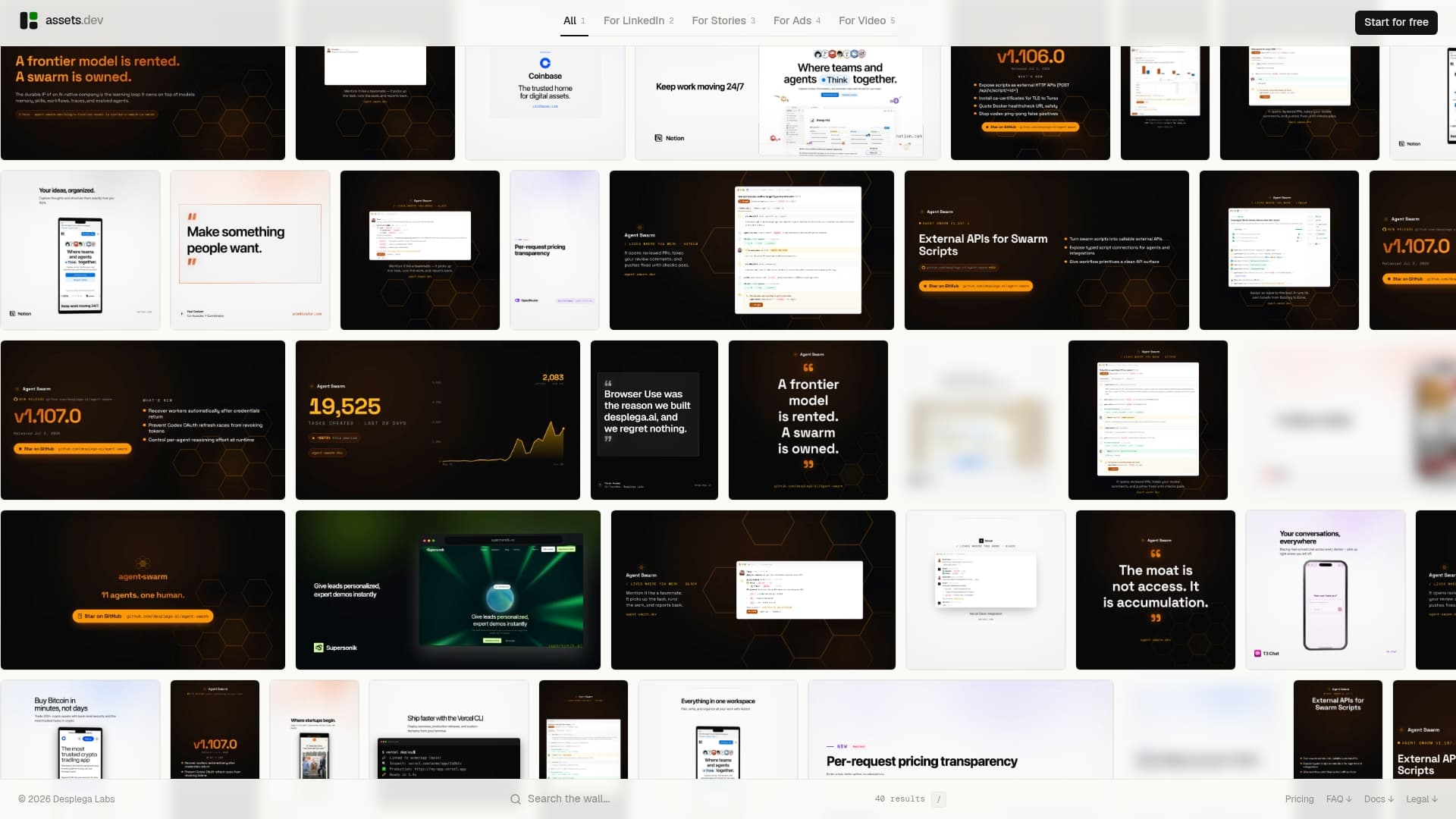
With assets dev, your brand goes in once and every template output reflects it automatically. Images, videos, and PDFs sized for Instagram, LinkedIn, Google, and more, generated via web, CLI, API, or MCP so they drop straight into your existing workflow. The free plan gives you 100 image renders to start (1,000 in July), no credit card required. The pro plan is €9 per month.
If you're building or refining an automated content pipeline, start with assets dev and connect it to your scheduler via the MCP integration. That's the fastest path from brand assets to published posts without the manual production bottleneck.
Key Takeaways
Effective Instagram content automation combines native scheduling, third-party tools, AI-powered asset generation, and brand-consistent templates to produce high-frequency content without proportional manual effort.
| Point | Details |
|---|---|
| Native scheduling limits | Instagram supports posts, carousels, and Reels natively but excludes Stories. The number of scheduled posts is limited, but the specific cap is not publicly stated. |
| Brand consistency is structural | Lock in visual templates and caption frameworks before scaling; automation amplifies whatever system you build. |
| Compliance matters | Use only OAuth-connected, Meta-approved tools to avoid action blocks or account suspension. |
| Key performance metric | Save rate per post type is the strongest signal for algorithmic amplification on Instagram. |
| assets dev for asset generation | assets dev generates brand-tailored images, videos, and PDFs via API/CLI/MCP, integrating directly into automated workflows from €9/month. |
FAQ
What is Instagram content automation?
Instagram content automation uses scheduling tools and AI systems to plan, create, and publish posts without manual effort each time. It covers everything from basic post scheduling to AI-generated captions and programmatic image creation.
Can you schedule Instagram Stories natively?
No. Native Instagram scheduling does not support Stories. You need Meta Business Suite or a third-party tool connected via the official API to schedule Stories in advance.
What automation does Instagram's terms of service prohibit?
Instagram prohibits browser-driven bots, bulk follow/unfollow scripts, unauthorized data scraping, and automated DM campaigns at scale. Scheduling via the official Graph API or Meta-approved tools is permitted.
How does assets dev integrate with Instagram automation workflows?
assets dev connects via API, CLI, or MCP, letting you generate brand-tailored images, videos, and PDFs programmatically and pipe them directly into your scheduling tool's upload queue, eliminating manual asset production.
What metrics matter most for automated Instagram content?
Save rate is the metric Instagram's algorithm weights most heavily. Track it alongside engagement rate, follower growth rate, and Story completion rate to evaluate whether your automated content is actually driving reach.