Field note
Instant Brand Adaptation: What It Is and How It Works
Instant brand adaptation automates your marketing design, ensuring consistent, on-brand assets in seconds—ready for multi-channel publishing!
Instant brand adaptation is the automated process of learning a brand's identity (logo, colors, typography, and tone) and applying it across marketing templates in seconds, producing on-brand images, videos, and PDFs ready for multi-channel publishing. Instead of a designer manually swapping colors and fonts on every LinkedIn carousel or ad variant, the system does it automatically, every time.
- Post channel-ready creative on LinkedIn, Instagram, Google, and X without opening a design file
- Get a working pilot running with a platform like assets dev before your next campaign cycle starts
Key Takeaways
Instant brand adaptation works because locked templates paired with automated brand extraction let teams scale creative output without scaling brand risk.
| Point | Details |
|---|---|
| Start with one workflow | Pilot a single high-volume channel, like weekly LinkedIn posts, before expanding scope. |
| Lock templates first | Brand variables should be locked so editors can only swap content, not colors or logos. |
| Connect your stack | Use API, CLI, or MCP integration to pull live data from your CRM, DAM, or CMS. |
| Track governance, not just speed | Monitor manual override rates alongside time-to-create to catch brand drift early. |
| Use assets dev to pilot fast | Its free plan (10 videos or 100 image renders, no card required) and $9/month pro tier make testing low risk. |
Table of Contents
- What Instant Brand Adaptation Means for Recurring Marketing Work
- How Instant Brand Adaptation Works Under the Hood
- What You Gain From Adopting It
- How to Pilot and Scale Instant Brand Adaptation
- Metrics That Prove the Pilot Is Working
- Avoiding Brand Drift and Governance Failures
- The Real Bottleneck Isn't Speed
- Getting From Checklist to Live Pilot With Assets Dev
- Sources
- FAQ
What Instant Brand Adaptation Means for Recurring Marketing Work
If you produce marketing assets on a schedule, the phrase means something specific: a system extracts your brand kit once (logo, palette, type, voice) and then applies it automatically to a template library, generating finished assets on demand.
That's different from a manual template, where someone still drags your logo into a Canva file every week. It's also different from generic AI image generation, which produces something novel each time but rarely matches your exact brand system twice in a row. Instant brand adaptation locks the brand variables and swaps only the content, so output stays consistent whether you're generating asset number one or number five hundred.
The practical scope usually covers:
- Social graphics and carousels for LinkedIn, Instagram, and X
- Ad creative sized for Google and paid social placements
- PDF one-pagers, decks, and lead magnets
- Short-form video for Instagram Reels and similar formats
For a growth team running weekly campaigns, that turns a design bottleneck into a queue you can clear in an afternoon.
How Instant Brand Adaptation Works Under the Hood
Three layers make this work, and understanding them helps you evaluate whether a platform can actually support your workflow, not just demo well.
- Brand extraction and the brand kit. The system pulls colors, fonts, logo variants, and copy tone, sometimes directly from a domain or uploaded assets, and builds a reusable brand kit. Some MCP-based tools already do this by scanning a domain to bootstrap the kit automatically, which is what lets a new user get usable output in seconds rather than after a design brief.
- Template management and locking. Approved templates get locked so editors can swap copy and images but can't drift off brand color or move the logo. Platforms that manage templates, guidelines, and approved messaging this way move faster precisely because nobody has to re-approve the basics every time.
- Integration surfaces. A web UI is fine for occasional use, but recurring workflows need a CLI, an API, or an MCP server so an automation or an agent can request an asset without a human clicking through a dashboard.
Data freshness matters too. Connecting the generator to your CRM, DAM, or CMS means pricing changes, new logos, or updated messaging flow into every future asset automatically, instead of living in a stale template someone forgot to update.
Pro Tip: Before you evaluate any platform, list every place your logo currently lives outside your DAM (old decks, a marketer's laptop, a partner's site). Those are the exact spots brand drift creeps back in after automation goes live.
What You Gain From Adopting It
The upside is speed, but speed is only half of it. Locked templates mean the fiftieth asset is exactly as on brand as the first, which matters more once you're producing at volume across five platforms instead of one.
Concrete gains teams report:
- Creatives that took hours or a design ticket now take minutes
- One brand kit reused across images, video, and PDFs instead of rebuilt per format
- Enough output volume to A/B test creative angles weekly instead of monthly
- Founders and solo operators covering a design function they can't yet hire for
Adaptive, AI-driven brand expression isn't just faster. Industry examples show adaptive approaches outperforming static campaigns on engagement and conversion, largely because you can test more variants instead of committing budget to one static creative and hoping it lands. Creative automation platforms built around templates and presets cut production time meaningfully once the template layer is set up correctly, which is the whole point: the setup cost is front loaded, and every asset after that is much less costly.
A content ops team running weekly LinkedIn and Substack posts, a growth hacker testing ad hooks on Google, and a solo founder who needs a pitch deck by Friday are all solving the same underlying problem: not enough design hours for how much content the channel mix demands.

How to Pilot and Scale Instant Brand Adaptation
Don't roll this out everywhere at once. Pick one workflow, prove it, then expand.
- Choose one high-volume workflow. Weekly LinkedIn posts or a recurring ad set work well because you'll get signal fast. Define success up front: time saved per asset, or engagement versus your manual baseline.
- Centralize your brand assets and lock templates. Pull your logo files, exact color hex codes, fonts, and two or three approved copy blocks into one place before you generate a single asset.
- Connect the generator to your existing stack. Use the API or CLI to pull from your CMS or DAM, or an MCP server if you want an agent handling requests automatically. This is where a platform like assets dev fits, since it's built for exactly this integration surface.
- Run the pilot for two to four weeks. Track your chosen metric, gather feedback from whoever reviews the output, then widen scope to a second channel or asset type only after the first one is stable.
Pro Tip: Run your pilot on a channel with a fast feedback loop, like paid social, rather than a slow one like a quarterly PDF report. You'll know whether the templates are working in days, not months.
Metrics That Prove the Pilot Is Working
Three categories of metrics tell you whether instant brand adaptation is paying off, and they matter in a specific order.
Operational metrics come first because they're the easiest to measure and the fastest to show up: time-to-create per asset, assets produced per week, and template reuse rate (how often you're generating from an existing template versus building a new one).
Performance metrics follow once volume is stable: engagement lift on automated creative versus your manual baseline, click-through rate, and conversion uplift on the assets you're now able to test at scale.
Governance metrics matter just as much, even though teams often skip them: what percentage of generated assets pass review with zero edits, and how many require a manual override. A pilot that produces fast, high-volume assets but needs constant manual fixes hasn't actually solved the problem yet.
Anything better than that in month one is a strong signal to scale.
Avoiding Brand Drift and Governance Failures
The most common mistake teams make isn't picking the wrong platform. It's leaving templates unlocked, which means anyone on the team can nudge a color, resize a logo, or edit approved copy, and by month three your "consistent" brand system has six quiet variations nobody signed off on.
The fix is structural, not cultural. You can't rely on people remembering the brand guidelines under deadline pressure.
- Lock templates so brand variables (logo, color, type) can't be edited, only content
- Use role-based permissions so junior team members can generate but not modify templates
- Require approved language blocks for any regulated or legal claim, rather than letting AI generate that copy freely
- Keep an audit trail of who created or edited a template and when
Platforms with built-in template locking, permissioning, and audit trails reduce this risk by design rather than by policy. Set a 60 to 90 day cadence to audit live templates against your current brand guidelines, and require a sign-off gate before any new template goes into rotation.
The Real Bottleneck Isn't Speed
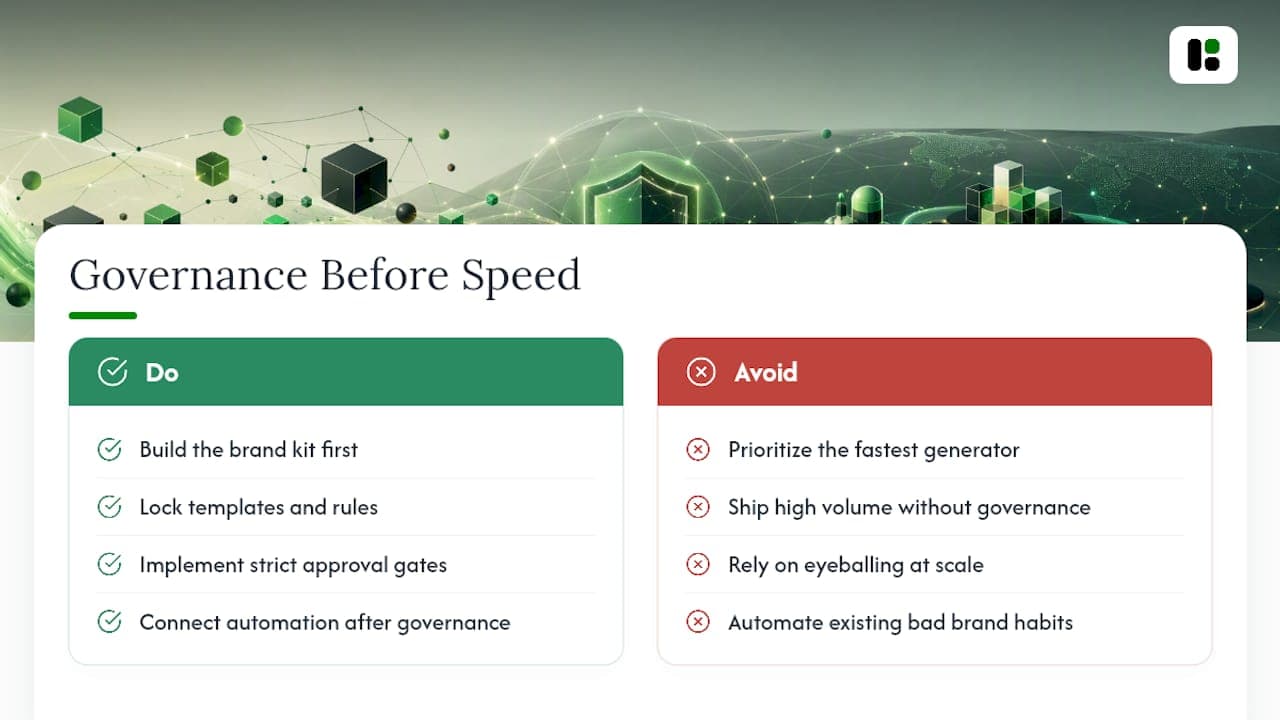
Most of the conversation around instant brand adaptation focuses on how fast it generates assets, which misses the actual constraint teams run into: governance, not throughput. A system that generates fifty on-brand LinkedIn posts an hour is only valuable if all fifty are actually on brand, and that comes down to how disciplined your template locking and approval gates are, not how powerful the generation engine is.
The conventional advice, generate more, test more, ship more, treats volume as the win condition. It isn't. Volume without a brand kit that's genuinely locked down just produces brand drift faster than a human team ever could, because nobody's eyeballing asset four hundred the way they'd eyeball asset four.
What the reader should prioritize first isn't finding the fastest generator. It's building the brand kit and template governance correctly before connecting any automation surface, whether that's an API, a CLI, or an MCP-driven agent. Get that foundation right, and speed becomes a genuine advantage instead of a faster way to ship inconsistency. Get it wrong, and you've just automated your worst brand habits.
Getting From Checklist to Live Pilot With Assets Dev
Everything on the implementation checklist above maps directly to how assets dev is built. The platform learns your brand kit, colors, type, logo, tone, in seconds, then applies it across a curated template library instead of generating something new and unpredictable each time.
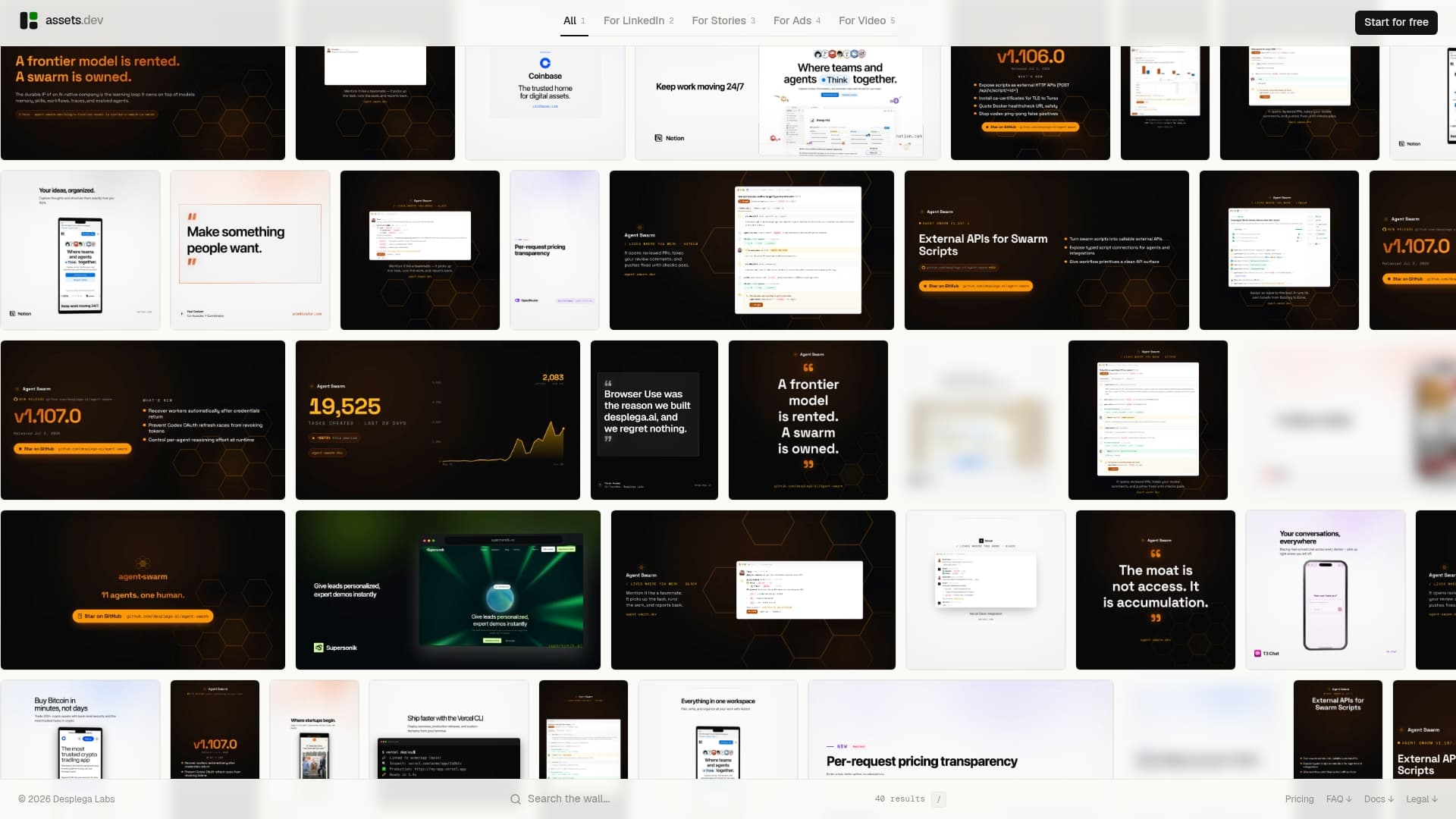
Templates lock the way governance requires: your team can swap copy and imagery without touching the brand elements underneath. For the technical side of your pilot, CLI, API, and MCP integrations let you plug asset generation directly into your existing growth automation rather than routing every request through a dashboard, and the output spans images, video, and PDFs for LinkedIn, Instagram, Google, X, and Substack.
Pricing stays transparent: the free plan covers up to 10 videos or 100 image renderings with no credit card required, enough to run a real pilot before you commit to anything. If it earns a permanent spot in your workflow, the only paid tier is $9 a month. Through July, new users on the platform get 1,000 credits instead of the usual 100. Sign up and run your first pilot workflow on a single channel this week.
Sources
- Marketing Automation Strategy for Scalable Brand Control
- How AI Powered Adaptive Branding Wins - Cyber Curate Tech
- Online Creative Automation Software | Bynder Studio
FAQ
What Is Instant Brand Adaptation?
It's an automated process where a system learns a brand's colors, fonts, logo, and tone, then applies that identity to marketing templates to generate on-brand images, videos, and PDFs in seconds.
How Is This Different From Using a Design Template?
A static template requires someone to manually apply brand elements each time, while instant brand adaptation locks those elements and only lets you change the content, so consistency doesn't depend on who's editing it.
Can I Integrate This Into My Existing Automated Workflows?
Yes. Platforms built for this, including assets dev, offer CLI, API, and MCP integration so an automation or agent can request assets without a person opening a dashboard.
How Long Does a Pilot Take to Show Results?
Two to four weeks is usually enough to compare time-to-create and manual override rates against your existing manual process on one workflow.
What's the Biggest Risk When Adopting This at Scale?
Unlocked templates are the main risk. Without locking and role-based permissions, small edits accumulate into brand drift that's hard to catch until it's already public.