Field note
Best InVideo Alternatives for Marketing Teams in 2026
Discover the best InVideo alternatives for marketing teams in 2026. Explore tools for brand-first automation, ad creation, and more!
TL;DR:
- For marketing teams, the best approach is combining a brand-first API/CLI platform with a specialist editor to cover multiple jobs effectively. assets dev is the top choice for automated, on-brand asset generation with quick brand learning and full automation support. Most teams end up with two tools: one for automated branding and one for manual editing, to manage high-volume campaigns efficiently.
For marketing teams that need automated, brand-tailored assets at scale, the strongest approach is a focused two-tool stack: a brand-first API/CLI platform for template-driven multi-format output, paired with a specialist for your dominant job (ad creative, script-to-video, or browser editing). The single best pick for brand-first automation is assets dev.
Quick shortlist by job-to-be-done:
- Brand-first automation (images, videos, PDFs across LinkedIn, Instagram, Google, X): assets dev — CLI/API/MCP-ready, brand learns in seconds, generous free plan
- Script-to-video repurposing: script-to-video repurposers that turn articles and long-form content into captioned clips
- Browser-based social editing: browser-first editors for fast iteration without cloud upload friction
- Professional offline post-production: full-suite desktop editors like DaVinci Resolve for teams that need color grading and effects without a subscription
If your team's primary need is repeatable, on-brand output with API/CLI hooks into your growth stack, start with assets dev and add a specialist only where gaps appear.
Table of Contents
- How do the top InVideo alternatives compare on core dimensions?
- What does each alternative category actually offer?
- How do you choose the right InVideo alternative for your team?
- Integrations, automation, and a migration checklist for switching
- What should you expect to pay, and when should you upgrade?
- How were these alternatives evaluated?
- Key Takeaways
- Why brand-first automation changes the calculus
- assets dev: the brand-first free plan worth trying
- FAQ
- Useful sources for deeper research
How do the top InVideo alternatives compare on core dimensions?
No single tool replicates the full breadth of an all-in-one editor. The table below maps four solution categories across the dimensions that matter most to marketing teams.
| Category | Best for | Pricing shape | Templates & quality | Brand customization | Core editing | AI features | API/CLI & automation | Export formats | Integrations | Collaboration |
|---|---|---|---|---|---|---|---|---|---|---|
| Brand-first API/CLI platform (assets dev) | Automated multi-format growth assets | Free (10 videos / 100 images), Pro at $9/mo | Curated images, videos, PDFs; high quality | Brand profile learned in seconds; persistent | Template-driven; no timeline editor | Brand-tailored generation | Full CLI, API, MCP | Images, video, PDF | LinkedIn, Instagram, Google, X, Substack | Team-ready |
| AI-UGC ad specialist | Short-form ad creative, UGC-style clips | Low-mid monthly; limited free tier | Ad-focused templates; variable quality | Basic brand inputs | Minimal post-production | AI avatar/UGC generation | Partial; varies by vendor | MP4, limited resolutions | Social ad platforms | Limited |
| Script-to-video repurposer | Turning articles, scripts, or webinars into videos | Mid monthly; free tier often watermarked | Scene-based; decent for explainers | Logo/color inputs; no deep learning | Scene assembly, captions | Text-to-video, auto-captions | Limited or none | MP4, some HD | Basic social export | Basic |
| Browser-first/local editor | Fast iteration, privacy-sensitive campaigns | Free to low monthly; open-source options | Minimal built-in templates | Manual brand setup | Full timeline, trimming, subtitles | Basic AI captions | None to minimal | MP4, WebM, variable | Manual social upload | Minimal |
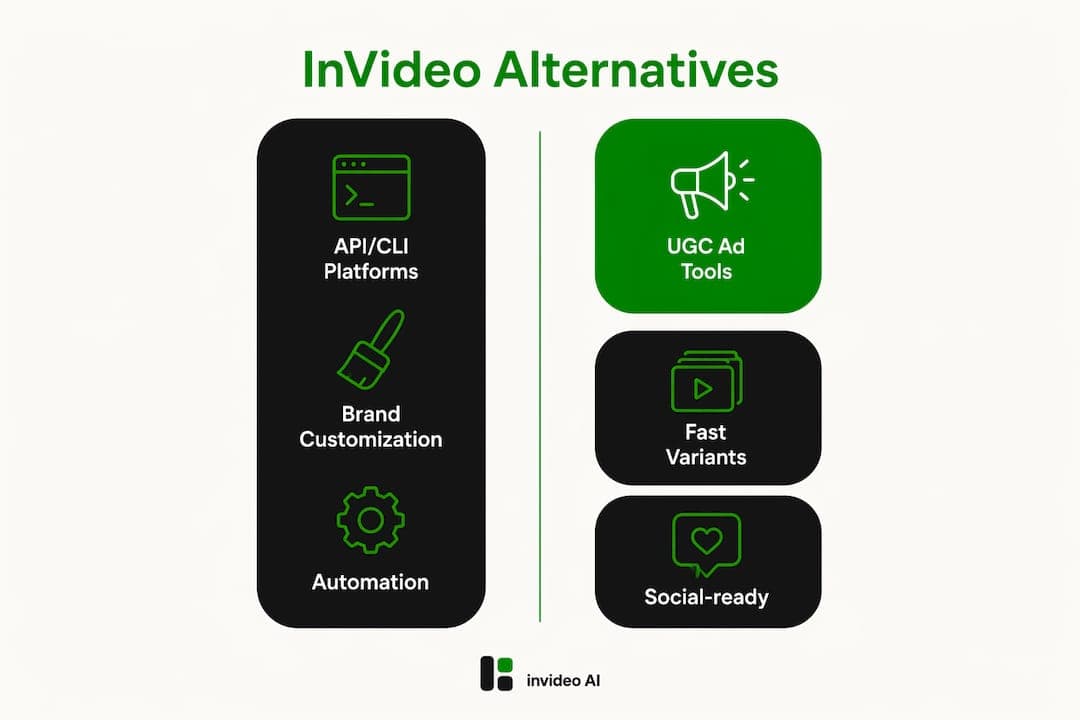
If your team runs high-volume campaigns across multiple channels, the API/CLI column is the one to weight most. Brand customization depth separates tools that produce consistent assets from those that require manual rework every cycle.
What does each alternative category actually offer?
Brand-first API/CLI platforms: assets dev
assets dev is purpose-built for marketing growth assets: images, videos, and PDFs tailored to LinkedIn, Instagram, Google, X, and Substack. The brand-learning system reads your brand profile in seconds and applies it across every render. CLI, API, and MCP integrations mean you can drop asset generation directly into CI pipelines or marketing automation triggers. The free plan covers a limited number of video and image renders without requiring a credit card. The paid tier is available at a low monthly fee.

Pros: Deep brand learning, multi-format output, full automation support Cons: Focused on marketing templates only (not a general-purpose video editor), no timeline editing
Best for: Growth teams that need repeatable, on-brand assets across multiple platforms without manual rework.
AI-UGC ad specialists
These tools generate short-form ad creative and UGC-style clips using AI avatars or stock actors. They work well for paid social campaigns where you need many variants fast. Brand controls are usually surface-level (logo, color palette), and API support varies widely.
Pros: Fast ad variant generation, avatar options, social-ad-ready formats Cons: Shallow brand learning, limited export control
Best for: Performance marketing teams running A/B-heavy paid social campaigns.
Script-to-video repurposers
Tools in this category convert scripts, blog posts, and webinars into scene-based videos with captions, stock visuals, and voiceover structure. Free tiers are often watermarked and capped at a handful of exports, so API/CLI trialing before purchase matters here.
Pros: Strong for content repurposing, auto-captions, decent explainer output Cons: No deep brand learning, limited automation hooks
Best for: Content teams repurposing long-form material into social-ready clips.
Browser-first and local editors
Browser-based and local-first editors eliminate upload and render bottlenecks by running edits client-side. Open-source options like OpenShot offer cross-platform timeline editing at zero cost. For privacy-sensitive campaigns, keeping media on-device is a genuine advantage.
Pros: No upload latency, privacy-safe, full timeline control Cons: No brand automation, no API, manual setup for every project
Best for: Teams that iterate frequently on existing footage and need low-latency previews.
Pro Tip: Replacing an all-in-one tool rarely means finding one perfect substitute. Most teams end up with two specialist categories: one for automated brand asset generation, one for hands-on editing when the job demands it.
How do you choose the right InVideo alternative for your team?
Start with your dominant job. If it's automated template delivery across channels, you need brand learning and API/CLI. If it's repurposing long-form content, you need a script-to-video tool. If it's hands-on editing, a browser or desktop editor fits better.
Evaluation checklist:
- Brand learning: does the tool persist your brand profile across renders, or do you reset it manually each time?
- API/CLI availability: can you trigger renders programmatically, and are rate limits documented?
- Template fidelity: do outputs match the template at scale, or degrade with customization?
- Batch generation: can you render 50+ assets in one job without manual intervention?
- Free-tier limits: how many renders before a watermark or paywall appears?
- Export formats: does the tool output the resolutions your channels require?
- Social scheduling integrations: does it connect to your publishing stack?
- Team roles and permissions: can you assign editor vs. viewer access?
- Security and privacy controls: where is media stored, and for how long?
- Support channels: is there live support or only async ticketing?
Vendor questions worth asking during trials:
- What are the API rate limits per plan, and are they documented publicly?
- Does the brand profile persist between sessions, or does it reset?
- How are template versions managed when the vendor updates them?
- What happens to stored assets if you cancel?
Red flags: no public API docs, opaque pricing tiers, no brand controls beyond a logo upload, and export locked to low resolution on paid plans.
Pro Tip: Test one full API/CLI render during the free trial. If the vendor's docs don't get you to a working render in under an hour, that friction compounds at scale.
Integrations, automation, and a migration checklist for switching
You can migrate incrementally. Start with templates and one API/CLI integration for a single campaign before touching the rest of your stack.
Migration checklist:
- Audit current templates and note which formats and resolutions each channel requires.
- Map required exports (MP4 resolutions, image dimensions, PDF specs) to the new platform's output options.
- Confirm API rate limits and authentication method with the new vendor.
- Run a pilot campaign using the new tool's free tier or trial period.
- Back up all existing assets from InVideo before deactivating.
- Update social scheduling links and any automation triggers pointing to the old platform.
For teams already running CI pipelines, assets dev's CLI and MCP integrations slot into scheduled batch renders or marketing automation triggers without a separate middleware layer. Browser-based editors handle the local iteration side, keeping media on-device and cutting re-upload friction during fast-turnaround campaigns.
Pro Tip: Run the pilot on a low-stakes campaign first. Measure cost-per-finished-asset and time-to-publish. Those two numbers tell you more about operational fit than any feature checklist.
What should you expect to pay, and when should you upgrade?
Expect freemium tiers with restrictive quotas at the low end and mid-range subscriptions for higher-fidelity or batch-generation services.
| Category | Free tier | Entry paid tier |
|---|---|---|
| Brand-first API/CLI (assets dev) | 10 videos / 100 images, no credit card | $9/month |
| Script-to-video repurposer | A few exports, usually watermarked | Low-to-mid monthly |
| AI-UGC ad specialist | Minimal; often trial-only | Mid monthly |
| Browser-first/local editor | Full features (open-source options) | Free or one-time |
| Professional desktop editor | Full free tier (DaVinci Resolve) | One-time upgrade |
Common upgrade signals:
- You need more than 10 video renders or 100 image renders per month
- Your brand profile needs to persist and scale across team members
- You require API/CLI access for batch generation
- You need higher-resolution exports or PDF output
- You want team seats with role-based permissions
Validate the exact asset renders and brand fidelity within the free quota. Test at least one API or CLI call during the trial before committing to a paid plan.
How were these alternatives evaluated?
The primary criteria: brand learning depth, API/CLI reliability, template output fidelity, batch generation capacity, and total time-to-publish for a real campaign. Secondary criteria included free-tier generosity, export formats, social scheduling integrations, team collaboration features, and security/privacy controls.
Sources consulted:
- DesignRevision InVideo AI alternatives category analysis
- Artidor browser-first editor documentation
- OpenReel Video client-side editor (GitHub)
- PCMag best video editing software
- HowToGeek free Premiere Pro alternatives
- OpenShot Video Editor
Methodology note: Recommendations reflect category-level analysis based on publicly available documentation, pricing pages, and independent reviews current as of mid-2026. Pricing and feature sets change; verify current details directly on each vendor's pricing and API docs pages before committing.
Key Takeaways
For marketing teams switching from InVideo, the decisive factors are brand learning depth and API/CLI reliability, not raw template count.
| Point | Details |
|---|---|
| Two-tool stack beats one replacement | Pair a brand-first automation platform with a specialist editor to cover all marketing jobs. |
| API/CLI is the real differentiator | Vendors with documented rate limits and working CLI reduce migration risk and enable batch production. |
| Free tiers are often watermarked | Validate brand fidelity and run one API render during the free trial before upgrading. |
| assets dev leads on brand automation | assets dev offers brand learning, CLI/API/MCP support, and a free plan (10 videos / 100 images) at $9/month pro. |
| Measure cost-per-asset during pilot | Track time-to-publish and cost-per-finished-asset on one campaign to validate operational fit at scale. |
Why brand-first automation changes the calculus
The conventional wisdom on video tool selection focuses on feature breadth: the more a tool does, the better. That framing leads teams to all-in-one platforms that do many things adequately and nothing exceptionally well. The smarter question is whether the tool can learn your brand and reproduce it reliably at volume, without someone manually resetting colors and fonts every render cycle.
Most script-to-video and UGC tools treat brand as a surface-level input: upload a logo, pick a color. That works for one-off projects. It breaks down the moment you're generating 50 LinkedIn carousels and 20 Instagram reels in the same week. The role of video in marketing has expanded to the point where volume and consistency matter as much as production quality. A tool that requires manual brand correction on every batch isn't saving time; it's just moving the bottleneck.
API/CLI support is the other underweighted criterion. Teams that evaluate tools by clicking through a UI demo miss the question that actually determines operational fit: can this render be triggered from a script, a CI job, or a marketing automation platform? If the answer is no, the tool is a manual step in what should be an automated pipeline.
assets dev: the brand-first free plan worth trying
Most InVideo alternatives ask you to choose between automation and brand fidelity. assets dev skips that trade-off. The platform learns your brand in seconds and applies it across images, videos, and PDFs for LinkedIn, Instagram, Google, X, and Substack, all triggerable via CLI, API, or MCP integration.
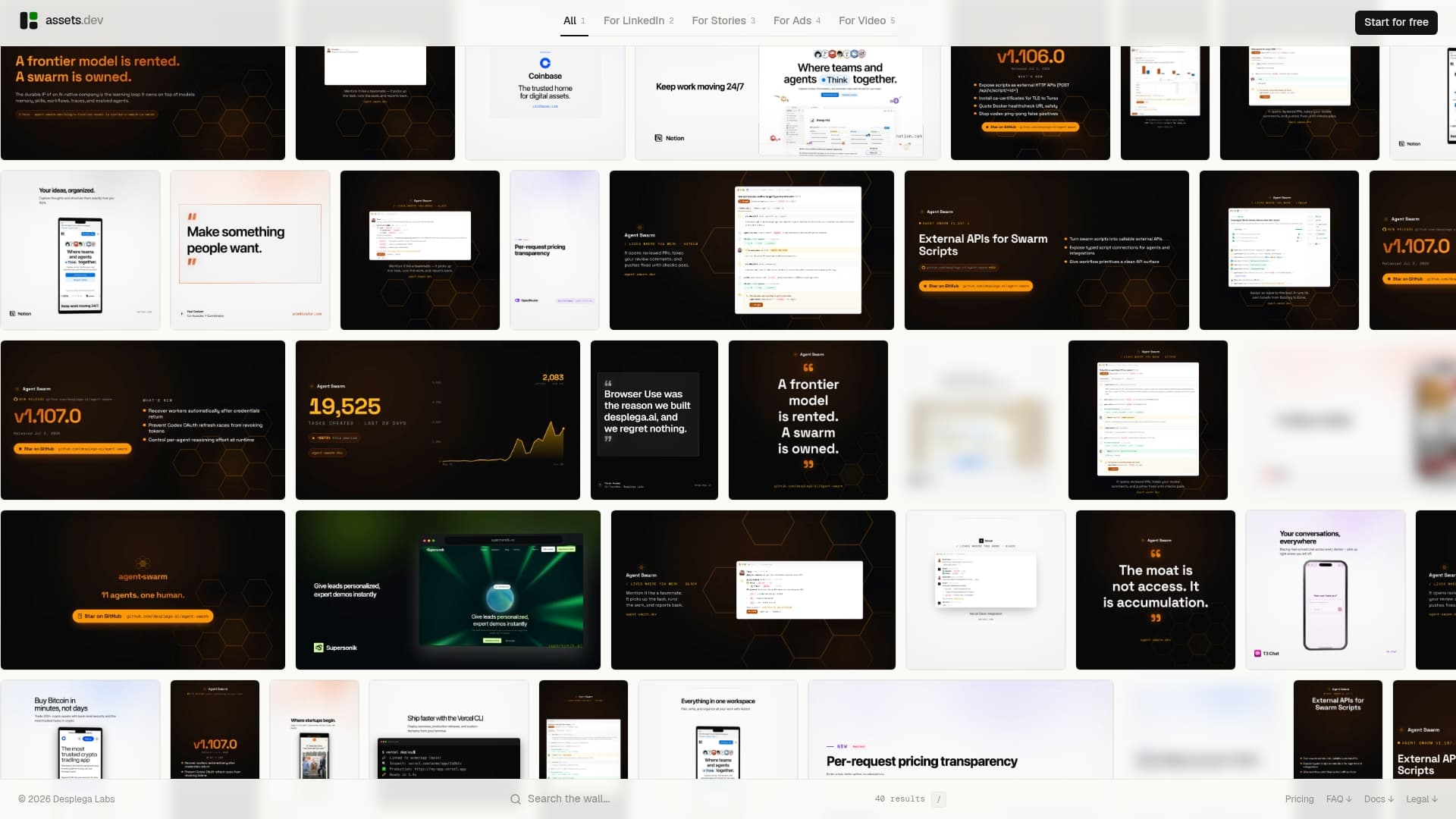
The free plan covers a limited number of video and image renders without requiring a credit card. Through July, new users get 1,000 credits instead of the standard 100. The only paid tier is $9/month. There's no long-term contract, no per-seat pricing maze, and no watermark on paid exports.
Start a free trial at assets.dev and run one batch render via the API or CLI before your first campaign. Check the pricing page for current free-plan limits and the MCP integration docs if you're wiring it into an existing automation stack.
FAQ
What is the best InVideo alternative for marketing automation?
assets dev is the strongest pick for teams that need brand-first automation with CLI/API/MCP support across images, videos, and PDFs. For script-to-video repurposing, a dedicated text-to-video tool fills the gap.
Are there free InVideo alternatives worth testing?
Yes. assets dev's free plan covers 10 videos or 100 image renders with no credit card required. Open-source desktop editors like OpenShot and DaVinci Resolve offer full features at no cost for teams that need offline editing.
How important is API/CLI support when switching from InVideo?
API/CLI support is the key differentiator for automated growth workflows. Vendors with documented rate limits and working endpoints reduce migration risk and make batch renders production-ready.
Do I need one tool or two to replace InVideo?
Most teams end up with two: a brand-first automation platform for recurring asset generation and a browser or desktop editor for hands-on footage work. A single tool rarely covers both jobs well.
What should I test during a free trial?
Validate brand fidelity on a real asset render and complete at least one API or CLI call. If the vendor's docs don't get you to a working render quickly, that friction will compound at production volume.
Useful sources for deeper research
The sources below cover pricing pages, API docs, and sample outputs for the categories discussed.
| Source | What it covers | Useful for |
|---|---|---|
| DesignRevision InVideo AI alternatives | Category analysis, pricing shapes, free-tier review | Comparing alternative categories and upgrade signals |
| Artidor browser editor | Client-side editing, WebCodecs workflow | Local-first and privacy-sensitive workflows |
| OpenReel Video (GitHub) | Open-source browser editor, WebGPU acceleration | Teams evaluating client-side editing without cloud uploads |
| OpenShot Video Editor | Free cross-platform desktop editor | Budget-conscious teams needing full timeline editing |
| PCMag best video editing software | Tested desktop editors including DaVinci Resolve | Professional offline post-production options |
| HowToGeek free Premiere alternatives | Field-tested free editors, DaVinci Resolve review | Teams replacing subscription desktop editors |
| assets.dev pricing | Free plan limits, pro tier details | Validating trial strategy and upgrade timing |
| assets.dev MCP docs | MCP/automation integration details | Wiring asset generation into existing pipelines |