Field note
The Best Lumen5 Alternatives for Video Creation in 2026
Discover top Lumen5 alternatives for video creation in 2026. Find the best tools for corporate videos, social content, and more!

Which Lumen5 alternatives actually deliver in 2026?
The short answer: Synthesia leads for avatar-based corporate video, Canva and InVideo dominate quick social content, Colossyan is preferred for training with SCORM export, and Pictory is often used for repurposing long-form text. If you need a free starting point, Kapwing, Simplified, and SendShort all offer usable no-cost tiers.
Lumen5 does one thing well: turning blog posts into social clips. But it has no AI avatars, no voice cloning, no interactivity, and no SCORM export, which rules it out for corporate training or multilingual campaigns at scale. The tools below cover the gaps.
| Tool | Best For | Key Features | Free Plan | Starting Price |
|---|---|---|---|---|
| Synthesia | Corporate avatar videos | AI avatars, 140+ languages | Yes (limited) | ~$22/mo |
| Canva | Quick social content | Templates, design+video combo | Yes | ~$15/mo |
| InVideo | Social media production | 5,000+ templates, AI script | Yes | ~$20/mo |
| PlayPlay | Branded social video | Brand kit, intuitive editor | No | ~$40/mo |
| VEED | Captions and translation | AI captions, subtitles, dubbing | Yes | ~$18/mo |
| Kapwing | Team social video | Real-time collab, auto-subtitle | Yes | ~$16/mo |
| Colossyan | Corporate training | SCORM export, branching, avatars | Yes (limited) | ~$27/mo |
| Pictory | Blog-to-video repurposing | AI summarization, auto-subtitle | No (trial) | ~$19/mo |
| HeyGen | Personalized avatar video | Fast avatar creation, voice clone | Yes (limited) | ~$24/mo |
| Descript | Podcast and video editing | Script-based editing, AI overdub | Yes | ~$12/mo |
| Opus Clip | Clipping long videos | AI highlight extraction | Yes | ~$15/mo |
| Storykit | Story-driven brand video | Branded templates, social formats | No | Custom |
| Promo | Promotional social ads | Licensed clip library | No | ~$25/mo |
| Simplified | Budget all-in-one creation | Graphics + video, free plan | Yes | ~$18/mo |
| SendShort | Free short-form video | Faceless video, no watermark | Yes (free) | Free |
| Zebracat | Faceless viral video | Face-free video optimization | Yes | ~$20/mo |
| Jogg AI | Script-to-video at scale | Text-to-video, branding controls | Yes | ~$16/mo |
| Revid AI | Content repurposing | Auto-editing, summarization | Yes | ~$19/mo |
| Runway | Advanced AI generation | Text-to-video, motion tracking | Yes (limited) | ~$12/mo |
| Elai.io | Training + LMS export | SCORM export, avatar from prompt | No | ~$23/mo |
| Hour One | Corporate training video | AI avatars, SCORM export | No | ~$25/mo |
| DeepBrain AI | Explainer and news video | Conversational avatars, team collab | No | ~$30/mo |
| Hypernatural | Realistic avatar video | Customizable environments | No | Custom |
| Hedra | Automated editing | AI-enhanced editing workflows | Yes (limited) | ~$7/mo |
| Vidu | Fast polished social video | AI-assisted templates | Yes | ~$15/mo |
| Kling AI | Personalized video outreach | AI-generated messaging | Yes (limited) | ~$10/mo |

Pro Tip: Most platforms offer a free tier or trial. Test two or three before committing to a paid plan, since the editing interface is the thing you will live with every day.
In-depth look at the top Lumen5 competitors
Avatar and training platforms
Synthesia is the most established name in AI avatar video. It holds 19.62% market share among video editor platforms as of 2026, behind only Loom. You get 140+ languages, a clean avatar library, and fast turnaround. The catch: no interactivity and no SCORM export, so it suits marketing videos better than LMS-embedded training.
Colossyan fills that gap directly. It adds SCORM export, interactive branching, and avatar-driven training videos that Lumen5 and Synthesia both skip. For L&D teams building courses inside an LMS, Colossyan is the clearest upgrade from Lumen5. Pricing starts around $27/month.
HeyGen sits between the two: fast avatar creation with voice cloning and personalization, aimed squarely at marketing outreach rather than training. It's the tool sales teams reach for when they want personalized video at scale without a production crew.
Elai.io and Hour One both support SCORM export alongside avatar generation, making them solid choices for corporate training teams that also need LMS compatibility. DeepBrain AI adds a conversational avatar layer suited to explainer or news-style formats, with team collaboration built in.
Social media and marketing tools
PlayPlay, VEED, Kapwing, and InVideo are the four platforms marketing teams reach for most when they want social-ready video without a steep learning curve. InVideo's template library runs deep, with strong AI scripting to match. PlayPlay's brand kit makes it fast to produce on-brand content consistently. VEED's AI captioning and translation tools are genuinely useful for global campaigns. Kapwing's real-time collaboration is the standout for distributed teams.
Canva deserves a mention here because it combines graphic design and video in one workspace. If your team already lives in Canva for social graphics, adding video there removes a tool from the stack entirely.

Promo leans on its licensed stock clip library, which is useful for small businesses that need polished promotional ads without sourcing footage. Simplified offers a free plan covering both graphics and video, making it a practical starting point for creators on a tight budget.
Content repurposing tools
Pictory is the closest functional replacement for Lumen5's core use case: turning written content into video. It uses AI summarization to pull key points from blog posts or articles, then auto-subtitles the result. No SCORM, no avatars, but for pure blog-to-video repurposing it's faster than most.
Descript takes a different angle. It edits video the way you'd edit a document: delete a word from the transcript and the corresponding audio and video disappear. Its AI overdub feature can patch audio without re-recording. Podcasters and long-form video creators use it most.
Opus Clip automates the clip extraction step entirely. Feed it a long webinar or YouTube video and it surfaces the highest-engagement moments as short clips, ready for TikTok, Instagram Reels, or LinkedIn. Revid AI works similarly, focusing on auto-editing and summarization for repurposed social content.
Short-form and faceless video
SendShort is completely free and produces short-form social videos without watermarks, which is rare. Zebracat targets viral video production specifically for creators who don't want to appear on camera. Jogg AI converts scripts or text into marketing videos with branding controls, useful for teams producing content at volume. Kling AI focuses on personalized video messaging for outreach campaigns.
Runway sits in a different category from the rest. It's a creative AI suite with text-to-video generation and motion tracking, aimed at filmmakers and designers rather than marketers. The free tier is limited, but for teams that need generative video effects, nothing else on this list competes.
Hypernatural and Hedra are newer entrants. Hypernatural focuses on realistic avatar environments for high-production marketing videos. Hedra automates editing workflows for speed. Vidu rounds out the list with AI-assisted templates for fast, polished social output.
Trial periods and pricing transparency
Trial and refund policies vary widely across these platforms. SendShort is fully free. Canva, Kapwing, Simplified, VEED, and Opus Clip all offer usable free tiers. Synthesia, Colossyan, and HeyGen offer limited free plans. Platforms like PlayPlay, Promo, Hour One, and Elai.io require a paid subscription from the start, though most offer a short trial period. Always check refund terms before committing to an annual plan.
How to choose the right video creation tool for your needs
The decision comes down to three questions: What type of video do you need? Who is watching it? And where does it live after you publish it?
Start with video purpose. Marketing teams creating social content prioritize short-form video features, social media formatting, and ease of use. Corporate teams building training content need interactivity, avatar options, and LMS compatibility. Those two use cases point to entirely different tools.
Check export options early. If your videos need to live inside an LMS, SCORM export is mission-critical and often missing from marketing-focused platforms. Colossyan, Elai.io, and Hour One support it. Synthesia, HeyGen, and most social video tools do not.
Key criteria to evaluate before you commit:
- Video type: social clips, training modules, explainers, personalized outreach
- Avatar requirement: needed for training and corporate comms; optional for social content
- Language and localization: VEED and Synthesia handle multilingual well; Lumen5 requires manual editing
- Integration: does it connect to your CMS, CRM, or marketing automation stack?
- Export format: MP4 for social, SCORM for LMS, PDF or GIF for other assets
- Team size: solo creators can use free tiers; larger teams need collaboration features and seat-based plans
- Budget: free tiers exist across Canva, Kapwing, Simplified, SendShort, and Opus Clip; paid plans start as low as $7/month (Hedra) and climb to custom enterprise pricing
Pro Tip: Before signing an annual contract, ask the vendor specifically whether their SCORM export supports your LMS version. Not all SCORM implementations are equal, and an incompatible export wastes the entire investment.
For content marketing automation workflows, prioritize tools with API access or native integrations. InVideo, Canva, and Descript all connect to broader marketing stacks. If you're building automated video pipelines, CLI or API access matters as much as the editing interface itself.
What Lumen5 lacks that its alternatives cover
Lumen5 built its reputation on one specific workflow: paste a blog URL, get a social video. That's still useful. But the platform has real gaps that push teams toward alternatives.
The most cited limitation is the absence of AI avatars and voice cloning. Lumen5 uses stock footage and text overlays. Platforms like Synthesia, HeyGen, Colossyan, and Hour One generate a speaking avatar from a script, which is a fundamentally different output suited to training, onboarding, and personalized outreach.
| Feature | Lumen5 | Synthesia | Colossyan | Pictory | VEED |
|---|---|---|---|---|---|
| AI avatars | No | Yes | Yes | No | No |
| SCORM export | No | No | Yes | No | No |
| Interactive branching | No | No | Yes | No | No |
| Auto-captioning | Basic | Yes | Yes | Yes | Yes |
| Auto-translation | No | Yes (140+ langs) | Yes | No | Yes |
| Blog-to-video | Yes | No | No | Yes | No |
| Free plan | Yes | Limited | Limited | No | Yes |
Lumen5's AI handles basic script summarization from text, not end-to-end video generation. It also lacks automatic translation, which limits its usefulness for multilingual campaigns without manual editing on every language version. For marketing teams that operate across regions, VEED or Synthesia handle that workload far more efficiently.
The SCORM gap is the sharpest dividing line. Enterprise users need SCORM export to embed videos into Learning Management Systems, and Lumen5 simply doesn't offer it. If your video content needs to track completion inside an LMS, Lumen5 is the wrong starting point regardless of its other strengths.
assets dev: a different kind of video asset tool
If the tools above feel like more platform than you need, assets dev takes a narrower approach worth considering. It's a curated template platform built specifically for marketing growth assets: videos, images, and PDFs sized for LinkedIn, Instagram, Google, X, and Substack.
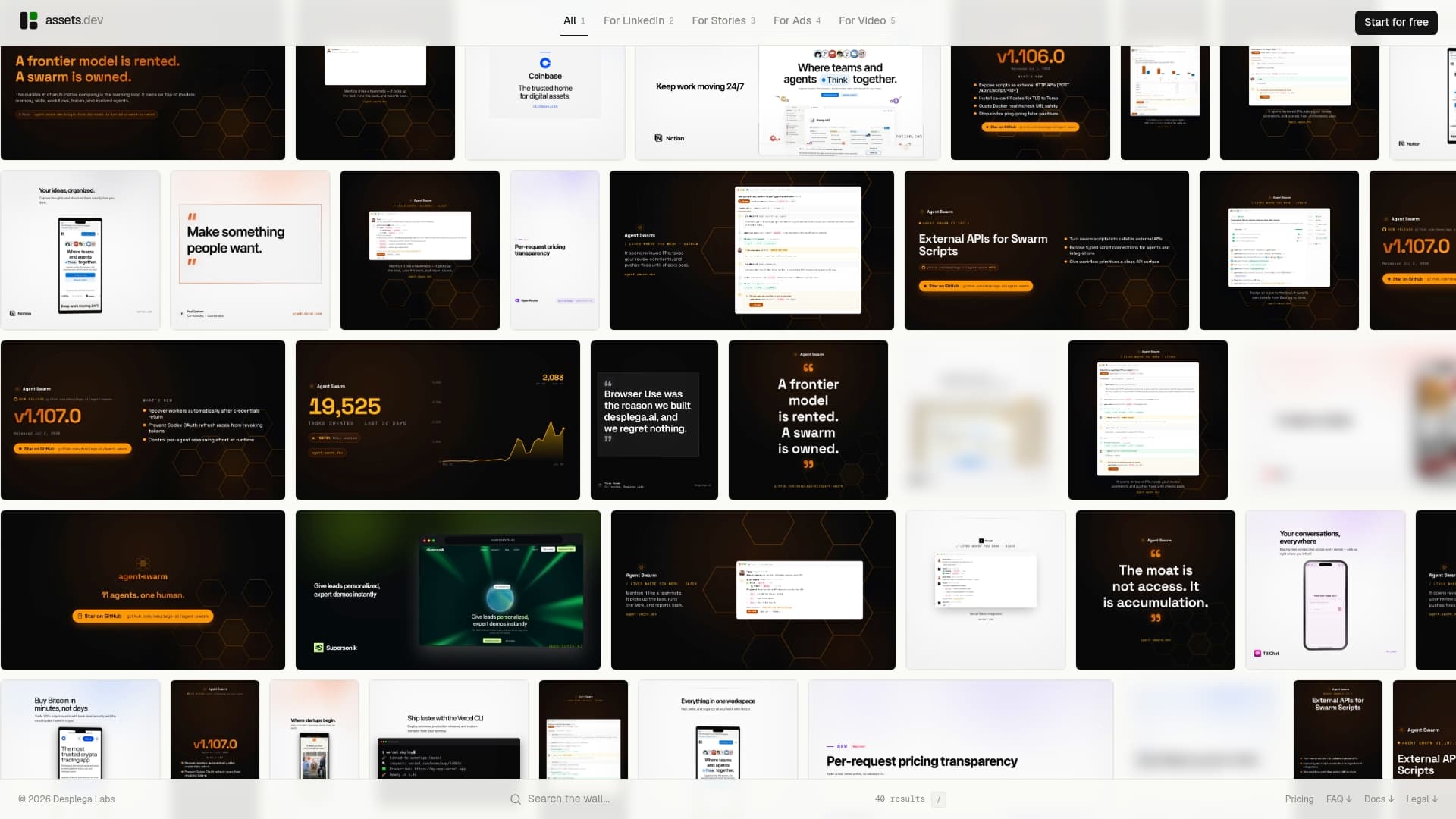
The difference from the platforms compared above is the scope. assets dev doesn't try to be a full video editor or an avatar studio. It learns your brand in seconds and applies it across every template, so you're not rebuilding brand settings every time you switch formats. The CLI, API, and MCP integrations mean it fits inside automated growth workflows without manual exports.
Pricing is straightforward: a free plan with up to 10 videos and 100 image renderings, no credit card required. The only paid tier is $9/month. Through July, new accounts get 1,000 free credits instead of 100. For teams that want polished, on-brand marketing assets without managing a full video production suite, assets dev is worth a look.
Key Takeaways
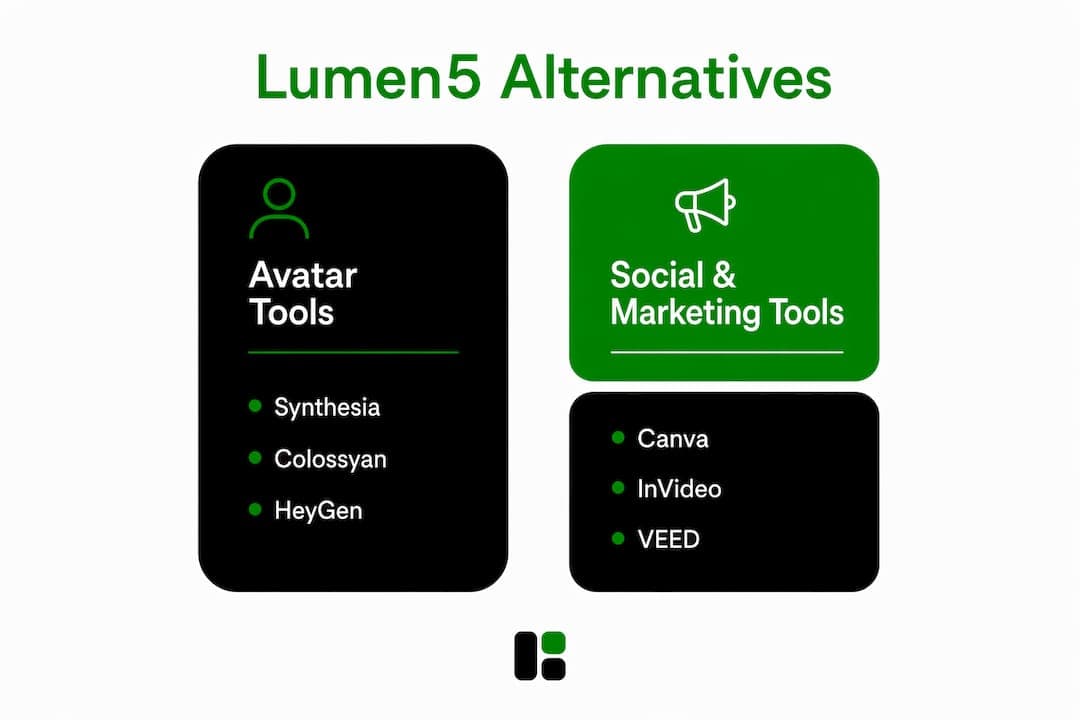
The strongest Lumen5 alternatives in 2026 split cleanly by use case: avatar and training tools versus social and marketing tools, with content repurposing platforms in between.
| Point | Details |
|---|---|
| Avatar tools lead for training | Colossyan, Elai.io, and Hour One offer SCORM export that Lumen5 and most social video tools lack. |
| Social video has strong free options | Canva, Kapwing, Simplified, SendShort, and Opus Clip all offer usable free tiers for marketing teams. |
| Synthesia's market position | Synthesia holds a 19.62% market share among video editor platforms as of 2026, making it one of the more established avatar options. |
| SCORM is a hard requirement for LMS | Enterprise teams embedding video in an LMS must verify SCORM support before committing to any platform. |
| assets dev for lean marketing teams | assets dev offers up to 10 free videos and a $9/month pro plan for brand-consistent marketing assets across social platforms. |
FAQ
Is Lumen5 completely free?
Lumen5 offers a free plan, but it includes watermarks on exported videos and limits resolution and monthly video output. Paid plans remove those restrictions.
What is the difference between Lumen5 and Synthesia?
Lumen5 converts written content like blog posts into social video using stock footage and text overlays. Synthesia generates avatar-based videos from a script, with no stock footage required, and supports 140+ languages. Synthesia holds 19.62% market share among video editor platforms in 2026.
Which AI video generator is best for marketing teams?
For social content, InVideo and Canva offer the best combination of templates, ease of use, and integrations. For personalized outreach video, HeyGen is the strongest option. For teams that need both video and static marketing assets in one place, assets dev covers that with a free plan and a $9/month pro tier.
How much does Lumen5 cost?
Lumen5's paid plans are publicly listed on its website, starting at a basic tier and scaling to enterprise. The free plan is available without a credit card but includes watermarks and output limits.
Do any Lumen5 alternatives support SCORM export?
Yes. Colossyan, Elai.io, and Hour One all support SCORM export for LMS integration, a feature missing from Lumen5 and most marketing-focused video tools.