Field note
LinkedIn Video Specs 2026: The B2B Marketer's Guide
Discover the essential LinkedIn video specs 2026 to boost your B2B marketing strategy. Optimize your video for better engagement today!

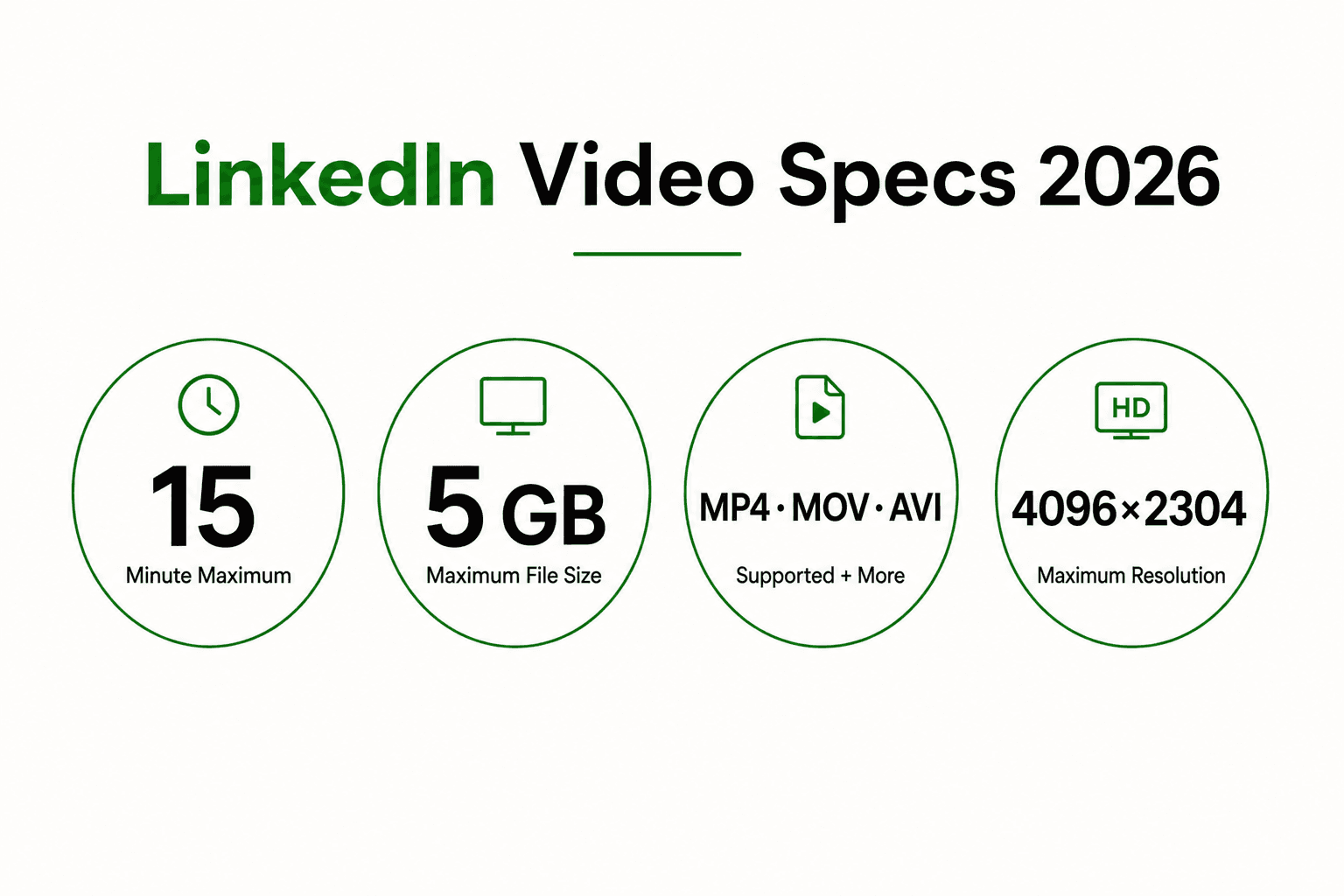
LinkedIn video specifications for 2026 support MP4, MOV, AVI, WEBM, MKV, WMV, and several other formats for native uploads, with file sizes up to 5 GB and aspect ratios from 1:2.4 to 2.4:1. These LinkedIn video specs directly determine how much screen real estate your content captures on mobile feeds, which now account for the majority of LinkedIn consumption. Portrait and vertical formats like 1080x1350 and 1080x1920 dominate scroll-stopping performance, while square 1:1 remains the most versatile option across devices. Getting these parameters right before you hit upload is the difference between content that performs and content that disappears.
What are the official LinkedIn video file format and size requirements?
LinkedIn supports MP4, MOV, AVI, WEBM, MKV, WMV, VC1, MPEG variants, DVVIDEO, QTRLE, and TSCC2 on desktop, iOS, and Android. MP4 with H.264 video and AAC audio remains a practical export choice because it balances compatibility and file size, but it is not the only accepted format.
File size limits split by content type:
- Organic posts: Maximum 5 GB, minimum 75 KB
- Video ads: Maximum 500 MB
- Practical target range: 50–200 MB for organic posts to balance quality and playback speed
Organic video uploads can run for up to 15 minutes on desktop, iOS, and Android. Video ads can run up to 30 minutes, though performance data strongly favors much shorter cuts.
AVI and QuickTime MOV are supported alongside MP4 and the other formats above. If a supported file still fails to process because of its codec or export settings, converting it to MP4 with H.264 and AAC is a useful troubleshooting step rather than a platform requirement.
Pro Tip: Target a file size between 50 and 200 MB for organic posts. LinkedIn allows up to 5 GB, but smaller files improve processing speed and reduce the time before your video starts playing in the feed.
Which LinkedIn video dimensions and aspect ratios perform best in 2026?
The aspect ratio you choose controls how much of the mobile screen your video occupies. More screen real estate means more attention. Portrait 4:5 at 1080x1350 pixels and square 1:1 at 1080x1080 are the two formats that consistently outperform landscape in LinkedIn feed engagement.
| Aspect ratio | Resolution | Best use case | Mobile performance |
|---|---|---|---|
| 9:16 vertical | 1080x1920 | Short clips, vertical feed | Highest screen coverage |
| 4:5 portrait | 1080x1350 | Feed posts, ads | Strong scroll-stopping |
| 1:1 square | 1080x1080 | Versatile, desktop + mobile | Balanced performance |
| 16:9 landscape | 1920x1080 | Webinars, presentations | Smaller on mobile |
LinkedIn's vertical video feed, which launched in 2024 as a discovery channel outside a user's existing connections, prioritizes 9:16 content. This feed functions similarly to short-form video feeds on other platforms and gives your content exposure to audiences who do not already follow you. That is a significant organic reach opportunity that most B2B marketers have not fully tapped.
Landscape 16:9 at 1920x1080 still works well for webinar recordings and long-form thought leadership, but it renders small on a phone screen. If your audience is primarily mobile, landscape is the weakest choice for feed posts.
LinkedIn accepts resolutions up to 4096x2304, but 1080p is the practical ceiling. Uploading 4K video produces minimal visible improvement because LinkedIn re-encodes all uploads at lower bitrates. Shooting or exporting at 1080p saves time and file size with no perceptible quality trade-off.
Pro Tip: Repurpose carousel PDF content into video by matching the aspect ratio of your slides to 4:5 or 1:1. This keeps branding consistent across your LinkedIn carousel posts and your video content without rebuilding assets from scratch.
How long should LinkedIn videos be to maximize engagement?
Video duration on LinkedIn is not a one-size-fits-all decision. Matching video length to content purpose outperforms any attempt to hit a universal ideal duration. A 90-second product explainer and a 10-minute case study interview serve different goals and different audience mindsets.
That said, the data on completion rates is clear. Videos under 60 seconds consistently show higher completion rates, and video ads perform best at 15–30 seconds for cost-per-view efficiency. Shorter content captures attention before the scroll reflex kicks in.
A practical framework by content type:
- Quick tips and single insights: 15–60 seconds. No intro, no outro. Lead with the point.
- Product demos and feature walkthroughs: 60–90 seconds. Show the outcome first, then the steps.
- Thought leadership and opinion pieces: 2–4 minutes. Earn the watch time with a strong opening hook in the first 3 seconds.
- Case studies and interviews: 5–10 minutes. These work best as desktop-first content with a strong thumbnail and clear title.
- Webinar recordings and long-form sessions: Trim to 10–15 minutes maximum, or segment into a series of shorter clips for mobile consumption.
LinkedIn allows organic uploads up to 15 minutes on both desktop and mobile. For longer sessions, trim the recording to the strongest 15-minute segment or split it into a focused series.
What are best practices for captions and audio in LinkedIn videos?
Approximately 85% of LinkedIn video content is viewed with sound off. LinkedIn autoplays videos on mute by default, which means any video that relies on spoken audio to convey its message loses most of its audience before a word is heard.
Captions are not optional for serious B2B video content. They are the primary delivery mechanism for your message. The key practices:
- Upload a dedicated .SRT file rather than relying on auto-generated captions. LinkedIn's auto-captions are often inaccurate, particularly with industry terminology, names, and numbers.
- Use on-screen text overlays for key points, statistics, and calls to action. These work even when captions are turned off.
- Keep font size readable on a phone screen. A caption that requires zooming in will be ignored.
- Place captions in the lower third of the frame, away from LinkedIn's interface elements at the top and bottom edges.
- Time captions to match speech rhythm. Captions that lag behind audio or appear too quickly break comprehension.
Captions also improve accessibility and widen your audience to include viewers with hearing impairments, non-native speakers, and anyone watching in a quiet environment like an office or public transit.
Pro Tip: Write your video script with captions in mind from the start. Short, punchy sentences caption better than long compound clauses. This also forces tighter scripting, which improves overall video quality.
How to prepare and upload LinkedIn videos for consistent quality
Consistent video quality across LinkedIn posts starts before you open the upload dialog. Preparation at the file level prevents the most common problems: blurry re-encoding, slow playback, and format rejection.
The core preparation checklist:
- Use a supported format. MP4 with H.264 and AAC is a predictable export choice, while MOV, AVI, WEBM, MKV, WMV, and several other formats are also accepted.
- Export at 1080p. Higher resolutions add file size without visible benefit after LinkedIn's re-encoding.
- Target 50–200 MB for organic posts. Use compression tools to hit this range without sacrificing visual clarity.
- Keep organic uploads at 15 minutes or less on both desktop and mobile.
- Set a custom thumbnail. LinkedIn allows a custom thumbnail image for native videos. A clear, branded thumbnail increases click-through rates on posts where autoplay is disabled.
- Fill in the video title and description fields. These feed LinkedIn's algorithm and improve discoverability in search.
- Match your LinkedIn video dimensions to your campaign goal. Use 9:16 or 4:5 for feed-first content, 1:1 for cross-platform repurposing, and 16:9 only for desktop-heavy audiences.
For marketers managing LinkedIn image sizes and LinkedIn PDF carousel dimensions alongside video, consistency in aspect ratio across formats strengthens brand recognition. A 4:5 video series paired with 4:5 carousel slides creates a coherent visual identity in the feed.
Key Takeaways
LinkedIn video performance in 2026 depends on matching file format, aspect ratio, duration, and captioning to the specific placement and audience device, not on any single universal setting.
| Point | Details |
|---|---|
| Use a supported file format | LinkedIn accepts MP4, MOV, AVI, WEBM, MKV, WMV, and more; MP4 with H.264 and AAC is a practical default. |
| Prioritize 4:5 and 9:16 aspect ratios | These formats capture more mobile screen space and drive higher scroll-stopping rates in the feed. |
| Keep organic files between 50–200 MB | Smaller files within LinkedIn's 5 GB limit load faster and start playing sooner in the feed. |
| Upload .SRT caption files | Auto-generated captions are inaccurate; 85% of views happen on mute, making captions the primary message delivery tool. |
| Match video length to content type | Short tips work at under 60 seconds; case studies and interviews can run 5–10 minutes when content earns the watch time. |
The format mistake that costs B2B marketers the most reach
The single most common mistake I see from B2B content teams is uploading landscape 16:9 video for every post because that is what the webinar platform exported. It feels safe. The file is already there, the content is solid, and the specs technically work. But a 16:9 video on a mobile LinkedIn feed occupies roughly half the screen space of a 4:5 post. You are handing back attention you already earned.
The second mistake is skipping captions because the video "has good audio." That reasoning ignores the reality of how LinkedIn is actually consumed. Most viewers are in open offices, on trains, or scrolling during a meeting. They will not turn on sound for a cold video from a brand they do not know yet. Captions are not an accessibility add-on. They are the core of your message delivery.
What I have found works: treat every LinkedIn video as a silent film first. If the message lands without audio, the audio becomes a bonus for the viewers who do engage deeply. This constraint also forces sharper scripting and better on-screen visual design.
The 9:16 vertical feed is the most underused opportunity in B2B video right now. Most enterprise content teams have not adapted their workflows to produce vertical content at scale. That gap is a real competitive advantage for teams willing to reformat their existing assets.
Assets makes LinkedIn video production faster
Producing video content that meets every LinkedIn spec across multiple aspect ratios is a real workflow problem. Assets is built specifically for this kind of production challenge.
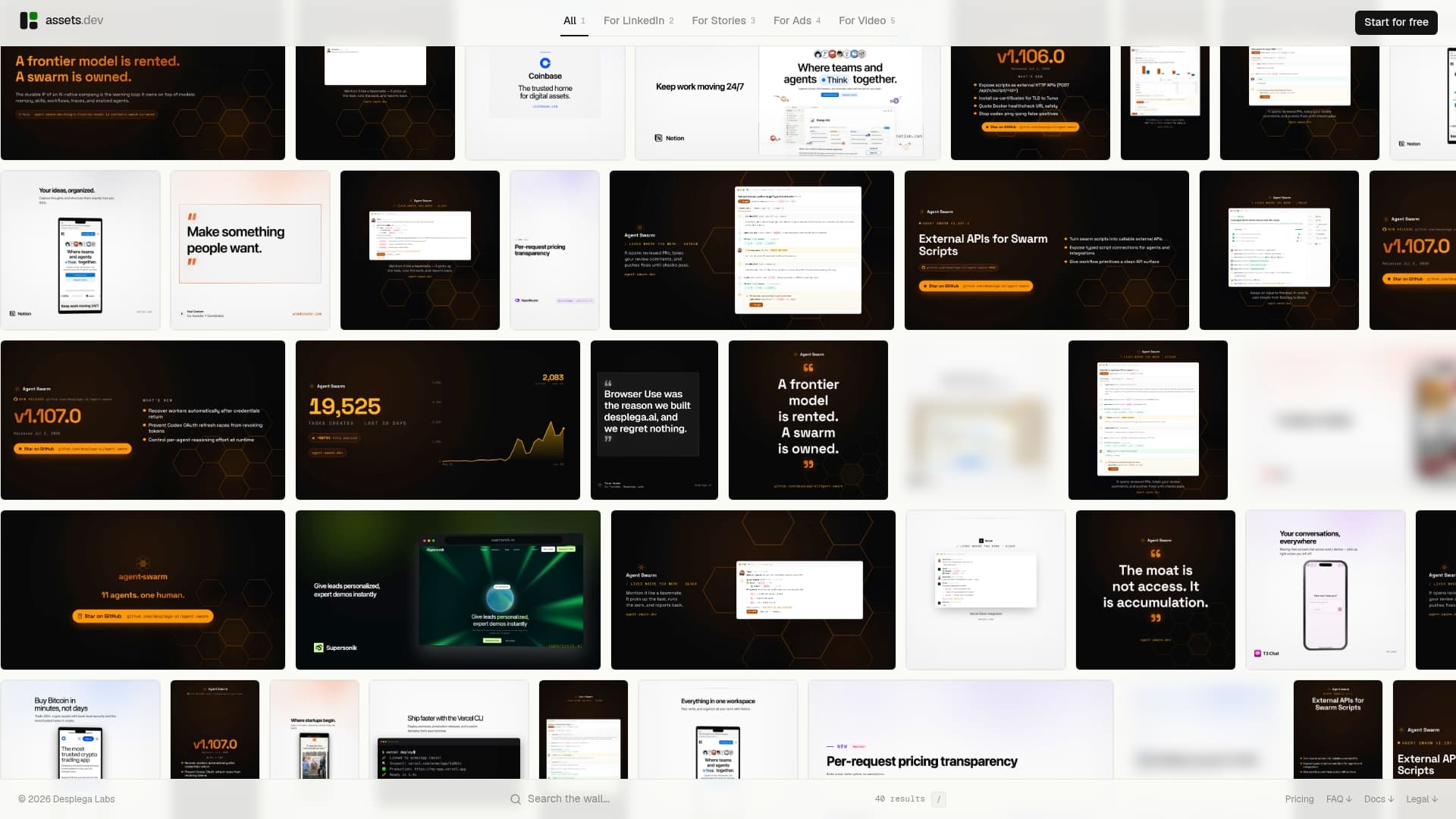
Assets learns your brand in seconds and generates video templates sized for LinkedIn's 4:5, 9:16, 1:1, and 16:9 formats without manual resizing. The platform handles images, videos, and PDFs, so your LinkedIn video assets and carousel slides stay visually consistent. CLI, API, and MCP integration means you can plug Assets directly into your existing content pipeline. The free plan includes 100 monthly credits with no credit card required, and video uses one credit per rendered second. The Pro plan is €9/mo. Through July, new users get 1,000 free credits instead of the standard 100. Check Assets pricing to see which plan fits your production volume.
FAQ
What video format does LinkedIn require in 2026?
LinkedIn supports MP4, MOV, AVI, WEBM, MKV, WMV, and several other formats for native video uploads. MP4 with H.264 video and AAC audio is a practical default, not a requirement.
What is the maximum file size for LinkedIn video posts?
Organic LinkedIn video posts support file sizes up to 5 GB, while video ads are limited to 500 MB. A practical target of 50–200 MB improves playback speed without sacrificing quality.
Which aspect ratio works best for LinkedIn video in 2026?
Portrait 4:5 at 1080x1350 and vertical 9:16 at 1080x1920 capture the most mobile screen space and deliver the strongest feed performance. Square 1:1 is the best all-around format for cross-device content.
How long can a LinkedIn video be?
Organic uploads support up to 15 minutes on desktop, iOS, and Android. Video ads can run up to 30 minutes, but 15–30 seconds often suits short campaign creative.
Do LinkedIn videos need captions?
Yes. Approximately 85% of LinkedIn videos are watched with sound off, so captions are the primary way viewers receive your message. Upload a dedicated .SRT file for accurate captions rather than relying on LinkedIn's auto-generated option.