Field note
Instagram Post Templates for Marketing Teams: Ready to Publish
Elevate your marketing strategy with customizable Instagram post templates. Create, brand, and publish effortlessly with assets.dev.
TL;DR:
- Using a curated platform like assets.dev ensures brand consistency and quick export for Instagram posts.
- Teams should evaluate templates based on automation capabilities, licensing, and scalability to meet high-volume needs.
The fastest path to a polished Instagram feed is a curated template platform that already knows your brand. Start with a production-ready design on assets.dev, apply your brand kit in seconds, and export at the exact dimensions Instagram expects. No agency. No back-and-forth. Just render and post.
assets.dev handles the full stack: curated marketing templates, CLI/API rendering for automated workflows, and brand auto-tailoring that locks in your colors and fonts from the first use. The free plan covers a number of image renderings with no credit card required, and this allowance increases significantly through July 2026.
Table of Contents
- How do you choose the right template source?
- What do pricing models look like, and when should you upgrade?
- What licensing terms should you check before using any template?
- Pre-publish checklist: what to verify before every post goes live
- Key Takeaways
- What most teams get wrong about Instagram templates
- Try assets.dev free and publish your first branded post today
- Useful sources and further reading
- FAQ
How do you choose the right template source?
Prioritize a source that matches your brand-kit needs, export options, and automation capabilities. Aesthetic variety is secondary.
Decision criteria worth applying before you commit to any platform:
- assets.dev
- Instagram post templates — assets.dev
- Some websites offer the best Instagram Templates for free. — Reddit
- Instagram Template Free — Pinterest
- affinity.studio
Community forums are a useful signal here. Marketing practitioners on Reddit regularly surface free template sources that hold up for quick campaigns, though free sources rarely offer the brand-kit depth or API access that production teams need.
Design marketplaces like Affinity Studio host niche collections that suit specialized aesthetics, which is worth knowing if your brand sits outside the mainstream template styles.
Quick evaluation checklist before downloading or subscribing:
What do pricing models look like, and when should you upgrade?
Free plans work fine for occasional posts. Upgrade when you need automation, higher render quotas, or clear commercial licensing.
Common pricing shapes across template platforms:
- Freemium with render limits. A set number of free exports per month, then a paywall. assets.dev's free plan covers 100 image renderings (1,000 through July 2026) with no credit card required.
- Monthly subscriptions. Flat fee for unlimited or high-volume exports, brand kit access, and priority support. assets.dev's pro plan is €9/month.
- Credit packs. Buy credits in bulk, spend per render. Useful for irregular volume but expensive at scale.
- Enterprise/custom pricing. Team seats, SLA support, and custom API limits for large organizations.
Upgrade triggers worth watching for:
- You're hitting the free render quota before the month ends
- You need API or CLI access for automated pipelines
- You need team seats or shared brand kits
- You need higher-resolution exports or video rendering
- Commercial license clarity becomes a legal requirement for your campaigns
What licensing terms should you check before using any template?
Always confirm template and stock-image licenses before commercial use. This is the step most teams skip, and it's the one that creates legal exposure.
Licensing checklist:
- Template license type. Personal-use-only licenses don't cover paid ads or client work. Confirm commercial use is explicitly permitted.
- Stock image license limits. Many free templates bundle stock photos with restrictions on print runs, geographic use, or industry type.
- Attribution requirements. Some free licenses require a credit line. Check whether that's compatible with your post format.
- Redistribution rules. If you're creating templates for clients, confirm you can transfer the final asset without violating the license.
- Model and property releases. Photos of identifiable people or private property require releases for commercial advertising use.
One-sentence legal note: licensing terms vary by platform and template, and when in doubt, consult a qualified IP attorney before using a template in paid advertising.
Pro Tip: Platforms that bundle stock imagery with a clear commercial license (rather than linking out to a third-party stock site) reduce your licensing audit burden significantly.
Pre-publish checklist: what to verify before every post goes live
A 60-second scan before publishing catches the mistakes that are obvious in hindsight.
- Brand colors and fonts match your kit exactly (no substituted system fonts)
- Dimensions match the target format (portrait feed ≠ story)
- Alt text added for accessibility
- Caption proofread, hashtags confirmed, and character count checked
- Link in bio updated if the post references an external URL
- UTM parameters or tracking links in place for campaign posts
- Scheduling time set for your audience's peak engagement window
- Final quality check on a mobile device preview, not just desktop
After publishing, track reach, saves, and profile visits for the first 48 hours. Those three metrics tell you more about template performance than likes alone.
Key Takeaways
The most effective approach to Instagram post templates is to combine a curated, brand-aware platform with programmatic rendering so your team produces consistent, publish-ready posts without rebuilding from scratch each week.
| Point | Details |
|---|---|
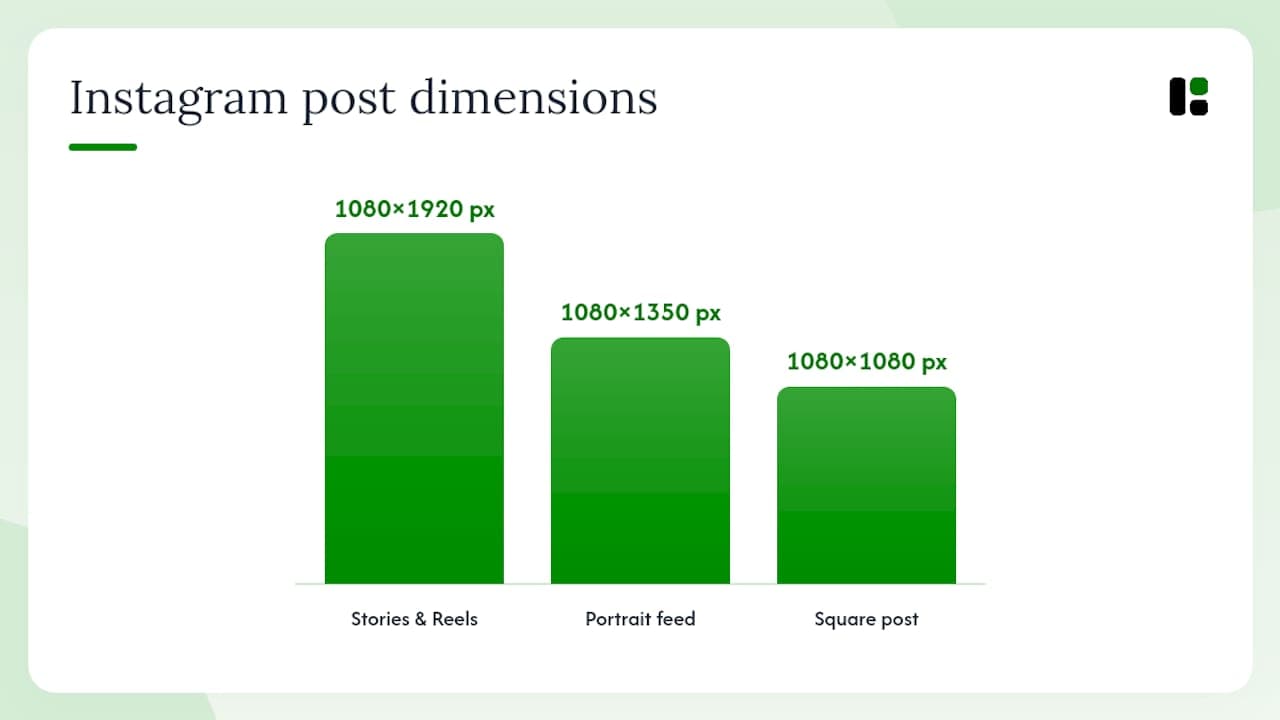
| Dimensions matter first | Use exact pixel specs per format: 1080 × 1350 px for portrait feed, 1080 × 1920 px for stories and reels. |
| Brand kit saves time | A saved brand kit applied at render time eliminates manual color and font edits across every template. |
| Upgrade when volume hits limits | Move to a paid plan when free render quotas run out before month-end or when API access becomes necessary. |
| Automation changes the math | CLI/API rendering turns template production into a pipeline step, removing the designer bottleneck for recurring content. |
| assets.dev free plan | 100 image renderings free (1,000 through July 2026), no credit card required, with CLI/API and brand auto-tailoring included. |
What most teams get wrong about Instagram templates
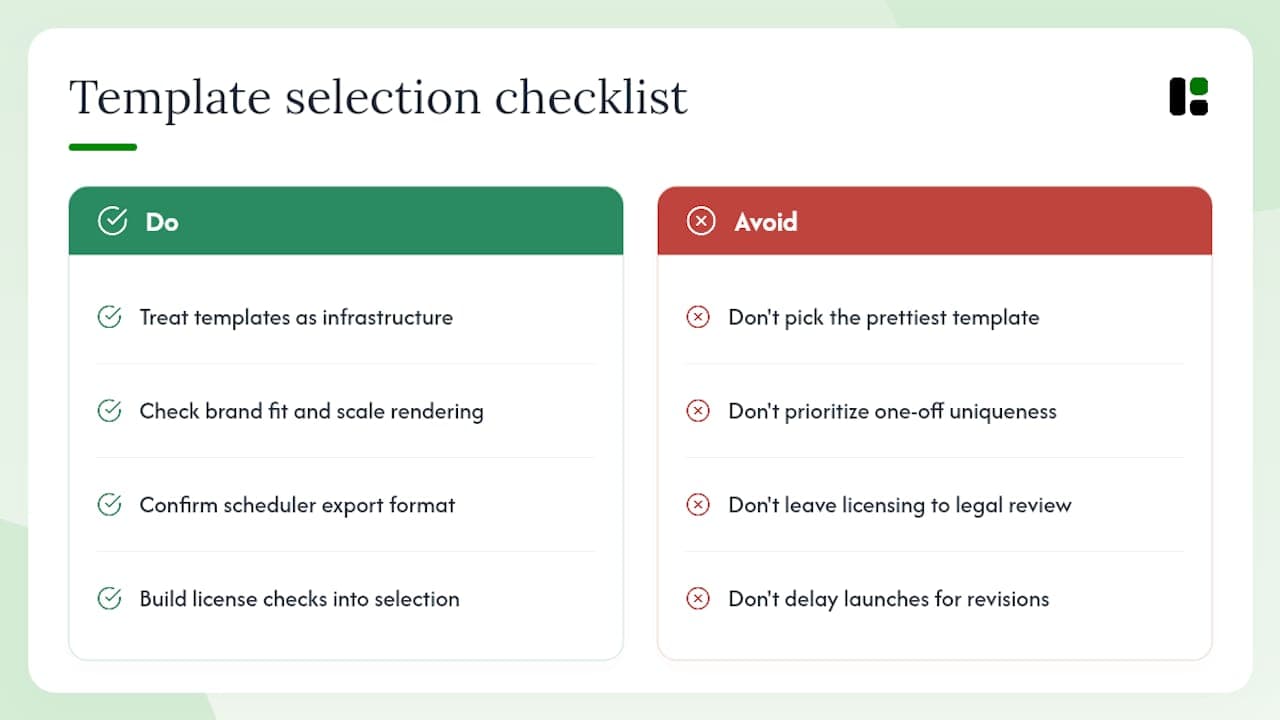
The conventional wisdom says pick the prettiest template. That's the wrong filter entirely.
A template is infrastructure. Its job is to carry your brand consistently across 50 posts, not to win a design award on post one. The teams that get the most out of template platforms are the ones that treat template selection as a systems decision: does this template work with our brand kit, render cleanly at scale, and export in the format our scheduler expects?
The speed-versus-uniqueness trade-off is real but often overstated. A well-structured template with your brand applied looks more "you" than a bespoke design that took three rounds of revision and shipped late. Consistency at volume beats occasional brilliance.
The other thing teams underestimate is the licensing question. It surfaces at the worst possible moment, usually when a paid campaign is already live. Build the license check into your template selection process, not your legal review process.
Try assets.dev free and publish your first branded post today
Marketing teams that need ready-to-publish Instagram content without the agency overhead get a concrete advantage with assets.dev: brand-matched templates, CLI/API rendering, and bulk export, all on a free plan that requires no credit card.
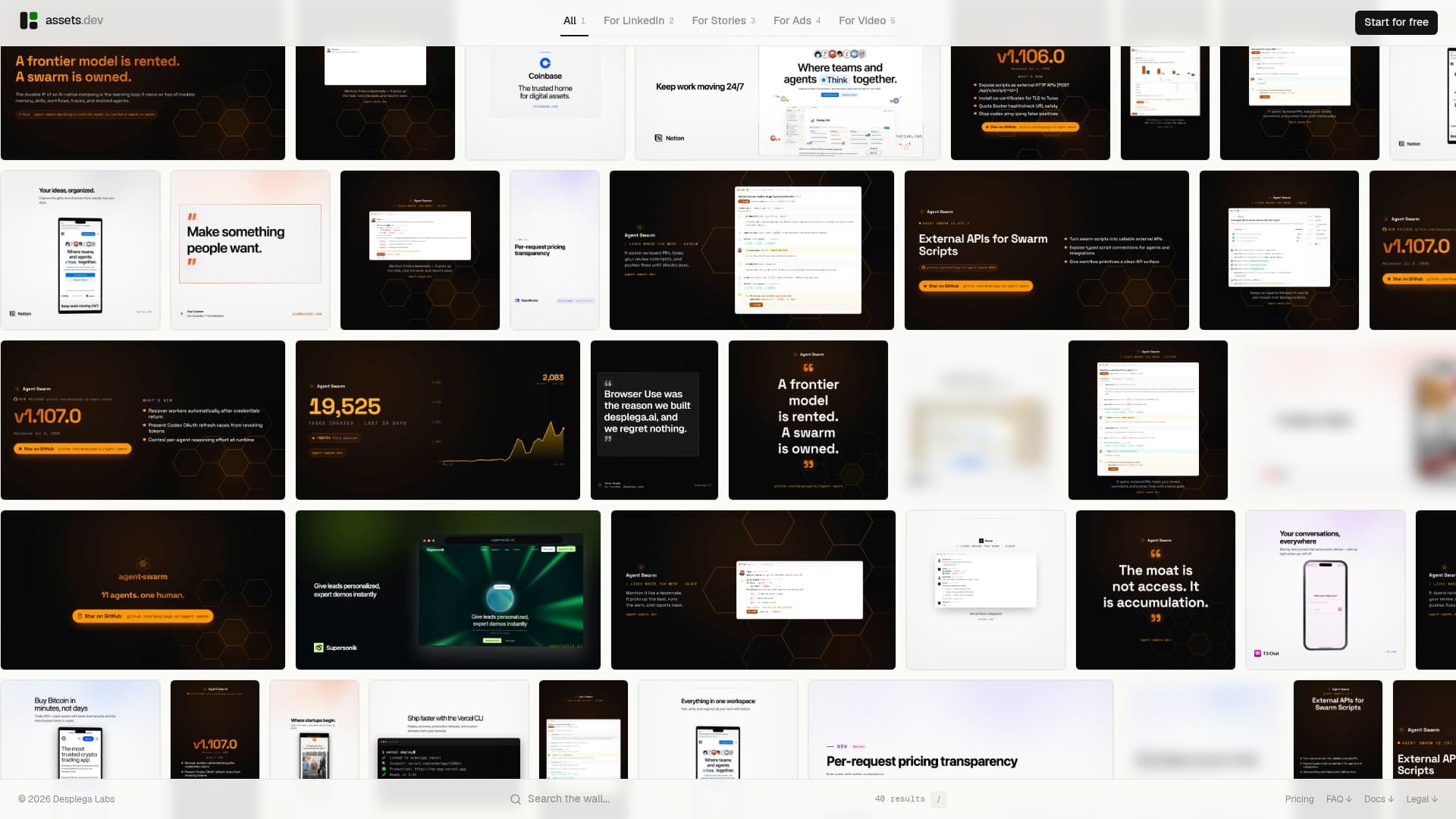
The free plan includes 100 image renderings, increasing to 1,000 through July 2026. The pro plan is €9/month for teams that need higher volume or additional automation. Start a free account at assets.dev, apply your brand kit, and render your first Instagram post in under five minutes. No design background required.
Useful sources and further reading
These resources point to docs, community recommendations, and template libraries for teams that want to go deeper.
- assets.dev Instagram post templates blog — Workflow articles, use-case examples, and how-to guides for Instagram template production using assets.dev.
- assets.dev best Instagram design tools — Comparisons and reviews of tools for creating and managing Instagram posts at scale.
- assets.dev carousel templates for Instagram — Focused guidance on multi-page carousel design and technical export tips.
- Reddit — Instagram Marketing community — Practitioner-recommended free template sources, useful for quick campaigns and inspiration.
- Pinterest free Instagram templates — Visual aggregator for free template designs across every Instagram format.
- Affinity Studio — Design marketplace with niche template collections for specialized aesthetics and formats.
FAQ
What are the correct dimensions for Instagram post templates?
Feed square posts use 1080 × 1080 px, portrait feed posts use 1080 × 1350 px, and stories or reels use 1080 × 1920 px. Export all files with an sRGB color profile.
Does assets.dev offer a free plan for Instagram templates?
Yes. assets.dev offers a free plan that includes a set number of image renderings with no credit card required, with an increased allowance available through July 2026. The pro plan is €9/month.
What file format should I use to export Instagram post templates?
Use PNG for text-heavy or graphic designs, JPG at 80–90% quality for photo-dominant posts, and MP4 with H.264 encoding for animated content. Avoid transparent backgrounds, as Instagram renders them as black.
Can I automate Instagram template production with an API?
Yes. Platforms like assets.dev provide CLI, API, and MCP integrations that allow programmatic rendering. You can feed a data CSV, trigger a batch render, and pipe the output directly to a social scheduler.
Are free Instagram templates safe to use in paid advertising?
Not automatically. Free templates often carry personal-use-only licenses or bundle stock images with commercial restrictions. Always confirm the template and any included stock imagery are cleared for commercial use before running paid campaigns.