Field note
The Best Creatopy Alternatives for Ad Design in 2026
Discover the best Creatopy alternatives for ad design in 2026. Find the perfect tool for quick creatives or scalable automation.

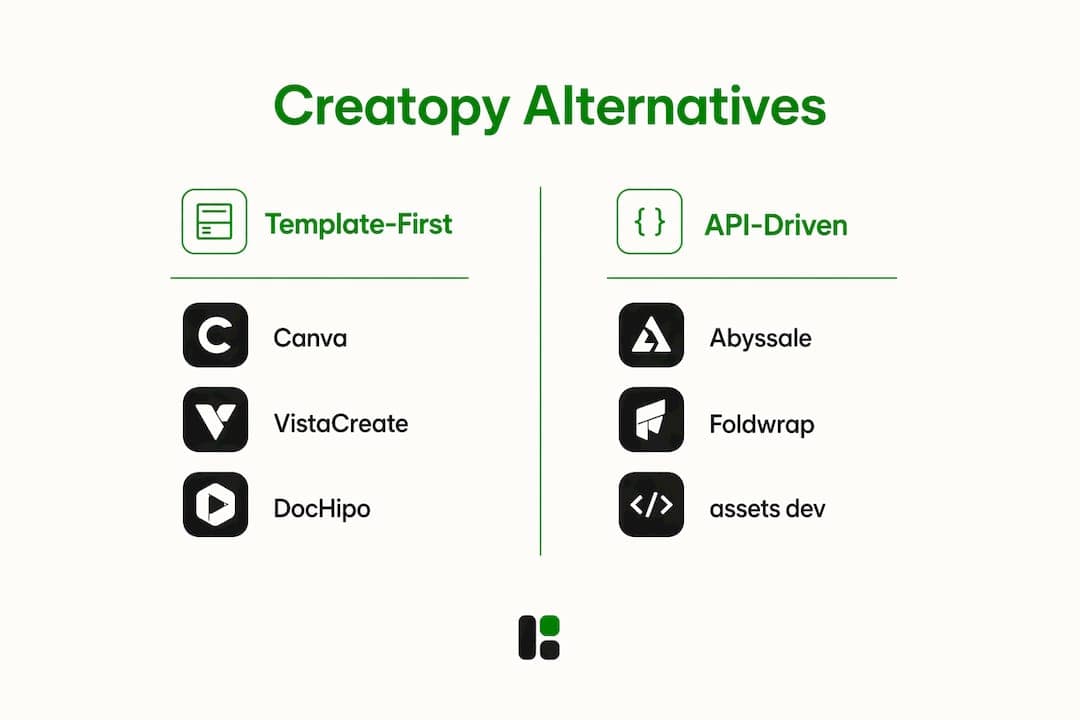
The strongest Creatopy alternatives right now split into two camps: template-first tools built for speed, and API-driven platforms built for scale. Foldwrap, Abyssale, DocHipo, VistaCreate, Canva, Piktochart, Visme, Venngage, Kittl, and assets dev each occupy a different position on that spectrum. None is universally "best." The right pick depends almost entirely on whether your team needs to ship polished one-off creatives fast or automate hundreds of ad variants across channels without touching a design editor.
Pricing models diverge just as sharply. Canva and VistaCreate offer generous free tiers with unlimited exports on paid plans. Abyssale and Foldwrap lean toward usage-based billing tied to render volume. assets dev starts free with no credit card required, covering a limited number of videos and image renderings, and its only paid tier is a reasonably priced flat rate per month.
| Tool | Ideal user | Pricing model | Key strength | Automation | Export formats | Stability/reviews |
|---|---|---|---|---|---|---|
| Foldwrap | Ad-ops teams scaling display | Usage-based | Automated resizing, rich media | High (feed sync) | HTML5, static, video | Strong |
| Abyssale | Growth marketers, agencies | Credit-based | Batch generation, API | High (API-first) | Static, video, HTML5 | Strong |
| DocHipo | SMBs, content creators | Freemium/paid tiers | Template variety | Low | Images, videos, and PDFs | Good |
| VistaCreate | Social media marketers | Freemium/Pro | Animation, brand kit | Medium | Images, videos, and PDFs | Very good |
| Canva | All-purpose teams | Freemium/Teams | Breadth, ease of use | Medium (apps) | Images, videos, and PDFs | Excellent |
| Piktochart | Data storytellers | Freemium/paid | Infographics, reports | Low | PDF, PNG | Good |
| Visme | Presentations, marketing | Freemium/paid | Interactivity, analytics | Medium | Images, videos, and PDFs | Very good |
| Venngage | Infographic-focused teams | Freemium/paid | Infographic templates | Low | PDF, PNG | Good |
| Kittl | Brand designers | Freemium/Pro | Typography, print quality | Low | SVG, PDF, PNG | Good |
| assets dev | Growth marketers, developers | Freemium/€9 pro | Brand AI, CLI/API/MCP | Very high | Images, video, PDF | Strong |
User reviews across G2 and similar platforms consistently flag platform stability, onboarding ease, and responsive support as the top three satisfaction drivers, regardless of which tool a team uses.
Table of Contents
- How do these Creatopy alternatives compare on features and pricing?
- How do you choose the right Creatopy alternative for your team?
- What makes assets dev stand out among these options?
- How do these platforms handle security and data privacy?
- Key Takeaways
- The case for prioritizing workflow fit over feature counts
- assets dev: a sharper path to automated marketing assets
- FAQ
How do these Creatopy alternatives compare on features and pricing?
Pricing transparency and export limits are the two factors that most often catch high-volume teams off guard. Creatopy's export credit model works fine for moderate output, but teams running large campaigns can hit ceilings fast. Several alternatives handle this differently.
Template variety and editor capabilities
Canva remains the broadest option by sheer template count, with a drag-and-drop editor that almost anyone can pick up in under an hour. VistaCreate punches above its weight on animation, offering timeline-based controls that most template tools skip. Kittl is the one to watch if typography and print-quality output matter more than social media sizing. DocHipo covers a wide range of document types, making it useful for teams that produce both marketing collateral and internal reports.

Piktochart and Venngage both specialize in data visualization. If your team regularly turns survey data or quarterly metrics into shareable graphics, either one will outperform a general-purpose editor. Visme adds interactive elements and basic analytics on top of that, which is useful for gated content or embedded presentations.
Automation, API access, and integrations
This is where the field splits most dramatically. Abyssale and Foldwrap are built around scalable automated resizing and rich media export, with catalog feed integration that lets product data drive creative generation. That matters enormously for e-commerce teams running dynamic ads.

assets dev takes a developer-native approach: CLI, API, and MCP integrations let it slot directly into automated growth workflows. You can trigger asset generation from a script, a CI/CD pipeline, or an AI agent. Most template-first tools in this list cannot do that.
Canva's app ecosystem and Zapier compatibility give it decent automation reach, but it is still fundamentally a manual design tool with automation bolted on. Visme and VistaCreate sit in a similar middle zone.
Pros and cons by category:
- Template-first tools (Canva, VistaCreate, DocHipo, Kittl): Fast onboarding, wide format support, limited programmatic capability. Export limits vary by plan.
- Infographic specialists (Piktochart, Venngage, Visme): Excellent for data-heavy content, weak on ad-specific automation and feed integration.
- API-driven platforms (Abyssale, Foldwrap, assets dev): Steep learning curve for non-technical users, but the throughput advantage at scale is substantial. Free tiers are limited or absent on some.
| Category | Automation depth | Best for | Free tier? |
|---|---|---|---|
| Template-first | Low–medium | Quick creative production | Yes (most) |
| Infographic specialists | Low | Reports, data storytelling | Yes (most) |
| API-driven | High | Programmatic, batch, growth | Varies |
Platform stability and support quality consistently separate the field on long-term user satisfaction. Canva leads on documentation depth. Abyssale and Foldwrap have strong technical support channels. assets dev's free tier requires no credit card, which lowers the barrier to testing it before committing.
How do you choose the right Creatopy alternative for your team?
The honest answer is that most teams pick the wrong tool because they evaluate features before they evaluate workflows. A platform with 500 templates and a slick editor is useless if it cannot connect to the ad delivery system you already use.
Start with these questions before you look at any demo:
- Team size and roles: A solo founder and a 20-person creative team have completely different onboarding tolerances. Tools like Canva and VistaCreate absorb non-designers easily. API-first platforms assume someone technical is in the loop.
- Asset volume: If you produce fewer than 50 unique creatives per month, almost any tool works. Above that, export limits and batch processing become real constraints.
- Branding governance: Teams with strict brand guidelines need platforms that enforce them at the template level, not just suggest them. assets dev's AI brand-learning feature handles this automatically.
- Stack integration: Check whether the platform connects to your CRM, ad platform, or content calendar before you commit. A tool that requires manual downloads and re-uploads adds friction that compounds over time.
Automation maturity matters here. A team that manually resizes every creative for each channel is not ready for an API-first platform. But a team running programmatic campaigns across LinkedIn, Google, and Instagram absolutely needs one.
Pro Tip: Before migrating to any new platform, audit your existing templates and tag each one as "must-port" or "rebuild." Teams that skip this step often discover mid-migration that their brand fonts or color tokens are not transferable, which stalls the entire switch.
On learning curve: Canva and DocHipo are the fastest to onboard. Abyssale and Foldwrap require a few days of setup for feed integrations. assets dev's CLI and API take an afternoon for a developer familiar with REST APIs, and the web interface is accessible enough for non-technical marketers to use independently.
Customer support quality is part of your total cost of ownership. A platform with poor documentation or slow ticket response times will cost your team hours every month. Check G2 reviews specifically for support responsiveness before signing up for any paid plan.
What makes assets dev stand out among these options?
assets dev is purpose-built for one thing: marketing growth assets. No bloat, no general-purpose design features, no learning curve for capabilities you will never use.
Key advantages:
- AI brand learning: The system ingests your brand identity and applies it across every template automatically. You do not manually set colors, fonts, or logo placement each time.
- CLI, API, and MCP integration: Automated growth workflows connect directly to your existing stack. Trigger renders from a script, an agent, or a CI/CD pipeline.
- Platform-specific templates: Curated formats for LinkedIn, Instagram, Google, X, and Substack, sized and structured for each channel's requirements.
- Output types: Images, videos, and PDFs from a single platform.
- Pricing: Free plan covers up to 10 videos or 100 image renderings with no credit card required. The pro plan is €9 per month.
July 2026 promotion: New users on the free plan receive 1,000 credits instead of the standard 100.
The developer-native design aesthetic is intentional. assets dev is built for marketers who think in systems, not just in pixels. If you are running content marketing automation at any meaningful scale, the CLI and MCP integrations alone justify the switch from a manual design tool.
How do these platforms handle security and data privacy?
Security and data privacy policies vary more than most comparison articles acknowledge. For teams handling client data or regulated industries, this is not a checkbox item.
Canva and VistaCreate are SOC 2 compliant and publish detailed data processing agreements. Canva's enterprise tier adds single sign-on (SSO) and advanced permission controls. Abyssale and Foldwrap both operate on cloud infrastructure with standard encryption in transit and at rest, though enterprise-grade compliance documentation is less prominent in their public materials.
assets dev does not publicly list specific compliance certifications at this time. For teams with strict data residency requirements, it is worth contacting their support directly before committing to a paid plan.
A practical baseline to check for any platform: data encryption at rest and in transit, clear data retention and deletion policies, GDPR-compliant data processing agreements for teams with European users, and role-based access controls for team accounts. Most tools in this category meet the first two. Fewer meet all four.
Key Takeaways
The best Creatopy substitute for your team comes down to automation depth, pricing transparency, and how well the platform fits your existing workflow rather than raw feature count.
| Point | Details |
|---|---|
| Automation depth decides fit | API-first tools like Abyssale, Foldwrap, and assets dev suit programmatic workflows; template tools suit manual creative production. |
| Export limits matter at scale | High-volume teams should prioritize platforms with unlimited or usage-based exports to avoid escalating costs. |
| Audit before you migrate | Tag templates as must-port or rebuild before switching to avoid brand consistency issues mid-migration. |
| Platform compatibility counts | Confirm web, mobile, and desktop access plus stack integrations before committing to any paid plan. |
| assets dev for growth automation | assets dev's CLI/API/MCP integrations and AI brand learning make it the strongest pick for automated, multi-channel asset production. |
The case for prioritizing workflow fit over feature counts
Most teams shopping for Creatopy substitutes spend too much time in demo calls watching editors and not enough time asking one question: does this platform fit inside my existing workflow, or does it require my workflow to bend around it?
The tools with the longest feature lists are rarely the ones teams actually stick with. Canva has dominated the general-purpose market for years not because it has the most powerful editor, but because it creates almost no friction. The teams that churn off it are the ones who outgrow its automation ceiling, not the ones who run out of templates.
The more interesting shift happening right now is the maturation of API-first platforms. A few years ago, connecting a design tool to a programmatic ad pipeline required custom engineering work. Today, platforms like Foldwrap and Abyssale have made that connection accessible to growth teams without dedicated engineering resources. assets dev pushes this further by supporting MCP, which means it can be called directly by AI agents in an automated marketing stack.
What that means practically: the gap between "design tool" and "marketing infrastructure" is closing. Teams that treat asset creation as a workflow problem rather than a design problem will get more leverage from the platforms in the API-driven category, even if those platforms feel less polished in a 30-minute demo.
The one thing worth resisting is the instinct to pick the tool with the most impressive AI feature announcements. Predictive scoring and competitor insights sound compelling, but they add value only after your core asset production workflow is already running smoothly. Get the pipeline right first.
assets dev: a sharper path to automated marketing assets
If you have been producing marketing creatives manually, resizing the same asset six times for six platforms, the real cost is not the tool subscription. It is the hours.
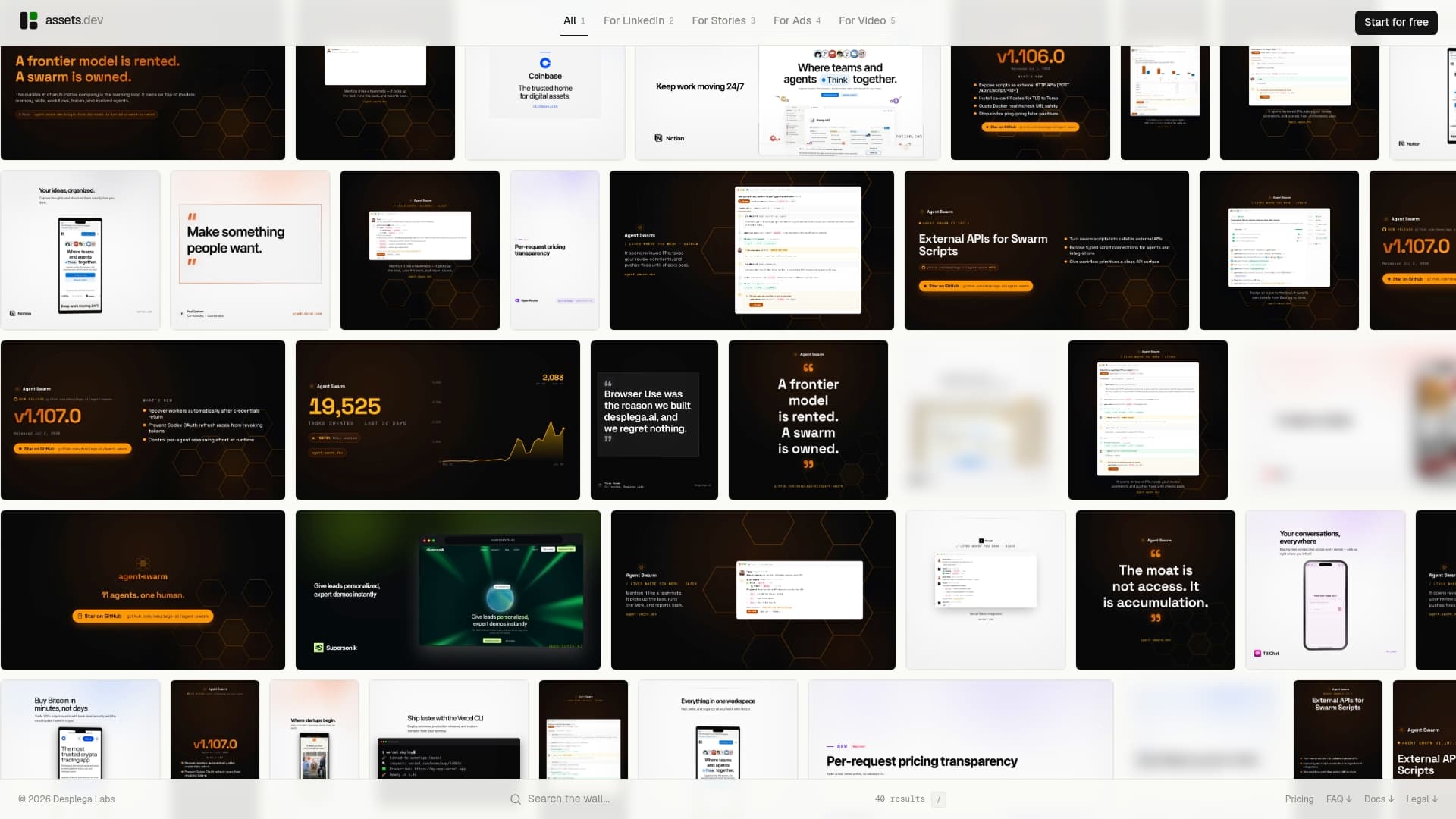
assets dev eliminates that loop. The AI learns your brand in seconds and applies it across every render, whether you trigger it from the web interface, a CLI command, or an API call inside your growth stack. Templates are curated specifically for LinkedIn, Instagram, Google, X, and Substack, so you are not adapting a generic design to fit a channel. The free plan provides a limited number of image renderings or videos with no credit card required, and there is a temporary promotion that increases the free credits for new users. The pro plan is €9 per month, with no long-term commitment.
For teams already running marketing automation workflows, the MCP and API integrations mean assets dev slots in without rebuilding your stack. Start your free plan at assets.dev and see how fast the brand setup actually takes.
FAQ
What are the best free Creatopy alternatives?
Canva, VistaCreate, DocHipo, Piktochart, and assets dev all offer free tiers. assets dev's free plan covers up to 10 videos or 100 images for free (no credit card required), with 1,000 free credits offered to new users as of July 2026.
Which Creatopy alternatives support API or programmatic workflows?
Abyssale, Foldwrap, and assets dev are the strongest options for API-driven workflows. assets dev also supports CLI and MCP integrations, making it compatible with automated growth stacks and AI agents.
How do I avoid brand consistency issues when switching platforms?
Audit your existing templates before migrating and tag each as must-port or rebuild. Teams that skip this step frequently encounter font and color token issues mid-migration that stall the entire process.
Is assets dev suitable for non-technical marketers?
Yes. The web interface is accessible without any coding knowledge. The CLI and API integrations are available for technical users who want to automate asset generation inside a larger workflow.
How does Creatopy's pricing compare to its alternatives?
Creatopy uses an export credit model that can become costly at high volume. Alternatives like Canva offer unlimited exports on paid plans, while assets dev's pro plan is a flat €9 per month with no per-export fees.