Field note
The Best Beautiful.ai Alternatives for Growth Teams in 2026
Explore top beautiful.ai alternatives for growth teams in 2026. Discover tools like assets dev, Pitch, and Canva to enhance your workflow!
TL;DR:
- Asset development tools like assets dev excel at integrating schema-level brand governance with API and CLI rendering for automation pipelines.
- For collaborative decks, Pitch offers async comments and version control, boosting review speed over design quality.
For automation-first B2B growth teams, assets dev is the strongest Beautiful.ai alternative because it pairs schema-level brand governance with CLI/API/MCP rendering you can drop straight into an existing pipeline. That said, the right pick depends on your workflow:
- Brand-first automation (images, video, PDF): assets dev — no credit card required, generous free tier, $9/month pro plan
- Collaborative team decks: Pitch — async comments, version history, clean templates
- Data-heavy reports and infographics: Visme — charts, interactives, and a data layer that updates without a full redesign
- Free, template-first design: Canva — the widest template library, free forever tier
- Already in Google Workspace: Google Slides — zero migration, real-time co-editing
- Founder pitch decks on a budget: Slidebean — auto-layout AI, flat monthly fee
The workflow-first shift is the defining trend: integration and automation now determine which digital marketing tools actually scales, not raw AI novelty.
Table of Contents
- How the top Beautiful.ai alternatives compare
- Profiles: what each platform actually does well
- How to choose the right tool for your team
- What switching from Beautiful.ai actually costs you
- How these alternatives were evaluated
- Key Takeaways
- The case for workflow-first over UI polish
- assets dev fits growth teams that need repeatable, branded output
- FAQ
How the top Beautiful.ai alternatives compare
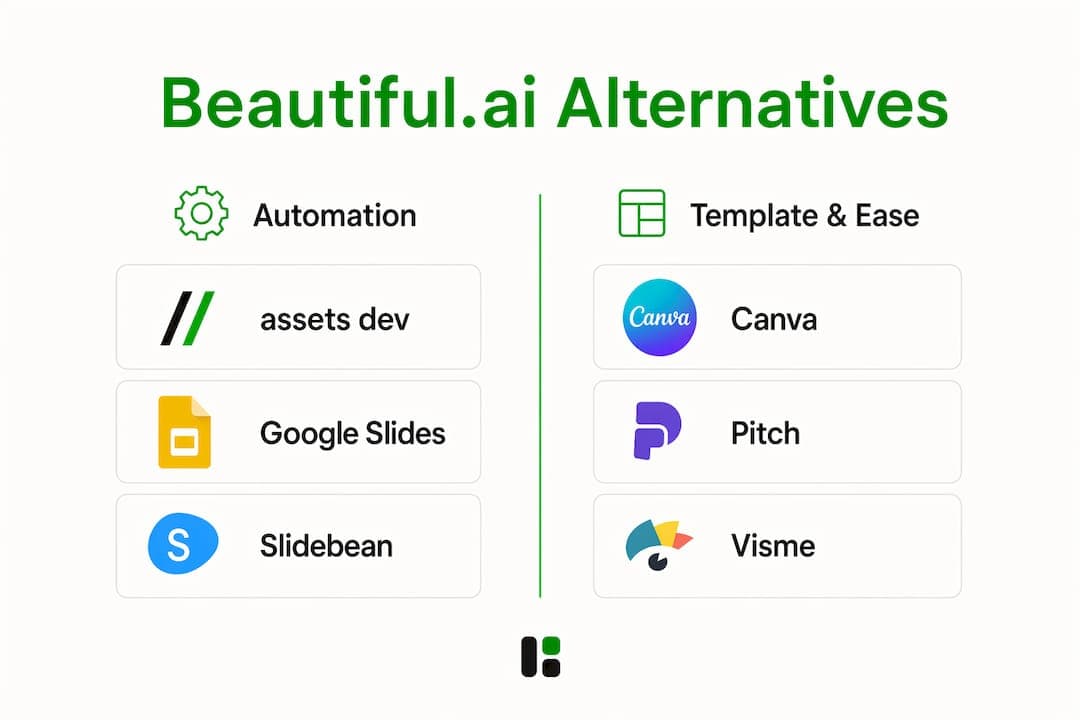
| Tool | Best for | Asset types | Brand flexibility | Collaboration | API/CLI/MCP | Export | Free tier | Learning curve |
|---|---|---|---|---|---|---|---|---|
| assets dev | Automated growth assets | Images, video, PDF | Schema-level brand ingestion | Comments, versioning | CLI, API, MCP | PDF, PNG, video | Yes — no CC required | Low |
| Canva | Template-first design | Images, video, PDF, slides | Template-based, brand kit | Real-time co-edit | API (limited) | PDF, PNG, PPTX, MP4 | Yes — generous | Very low |
| Pitch | Team deck collaboration | Slides | Brand templates | Async comments, versioning | Webhooks | PDF, PPTX | Yes — limited | Low |
| Visme | Data-driven visuals | Slides, infographics, video | Brand kit | Comments | API (beta) | PDF, PPTX, HTML | Yes — limited | Medium |
| Google Slides | Google Workspace teams | Slides | Theme-based | Real-time co-edit | Apps Script | PPTX, PDF, PNG | Yes — free | Very low |
| Slidebean | Startup pitch decks | Slides | Limited | Comments | None | PDF, PPTX | Yes — limited | Low |
Two columns worth pausing on: API/CLI/MCP and Export. Most tools in this category struggle to export fully editable .pptx files without reformatting — a trap that costs hours when you need to hand off to a client or feed a downstream pipeline.
Profiles: what each platform actually does well
1. assets dev
assets dev is purpose-built for growth marketing assets — images, videos, and PDFs — rather than presentation decks. The platform ingests your brand tokens (colors, fonts, logo) in seconds and applies them across every render. The real differentiator is the CLI/API/MCP layer: you can trigger branded asset generation from a CI pipeline, a Zapier workflow, or a terminal command without touching a GUI.
Pros: Schema-level brand ingestion; CLI/API/MCP automation; no credit card needed for the free tier (up to 100 image renders or 10 videos)

Cons: Not a slide-deck tool; focused on LinkedIn, Instagram, Google, X, and Substack formats rather than boardroom presentations
Pricing: Free plan, no credit card. Pro plan at $9/month. Through July, new accounts get 1,000 free credits instead of 100.
"The next generation of presentation tooling is 'workflow-first' — the best alternative is one that fits into automation pipelines via CLI/API without forcing manual re-exports." — industry analysis
2. Canva
Canva is the default choice when template volume and ease of use matter more than automation depth. Its free tier is genuinely usable, and the brand kit feature keeps colors and fonts consistent across a team. The API is limited compared to developer-grade tools, so programmatic rendering at scale requires workarounds.
Pros: Massive template library; free forever tier; exports to PPTX, PDF, MP4
Cons: Brand governance is template-level, not schema-level; API access is restricted on lower tiers
Pricing: Free plan available. Canva Pro starts at $15/month per person.
3. Pitch
Pitch is the strongest option when a distributed team needs to build and iterate on decks together. Async commenting, version history, and a clean editor make review cycles faster. Fast commenting and feedback cycles drive growth velocity more than perfect initial templates — and Pitch is built around exactly that loop.
Pros: Async comments and versioning; clean, modern templates; PPTX export
Cons: No CLI/API; limited asset types beyond slides
Pricing: Free plan available. Paid plans start at $8/user/month.
4. Visme
Visme separates the data layer from the design container, so a chart tied to a live data source updates without touching the layout. That matters for teams producing weekly performance reports or sales enablement decks with real KPIs. The data-layer separation is what sets Visme apart from most slide tools.
Pros: Live data connections; strong infographic and chart tooling; HTML export
Cons: Medium learning curve; API is still in beta
Pricing: Free plan available. Starter plan at $12.25/month.
5. Google Slides
If your team lives in Google Workspace, Google Slides removes the migration question entirely. In-ecosystem tools eliminate the export/reformatting step that trips up most migrations. Real-time co-editing and native Drive integration make it the lowest-friction option for teams already on Google.
Pros: Free; real-time co-editing; native PPTX and PDF export; Apps Script for automation
Cons: Limited design flexibility; no AI-native features without add-ins
Pricing: Free with any Google account.
6. Slidebean
Slidebean targets early-stage founders who need a clean pitch deck fast. The auto-layout AI handles spacing and structure so you focus on content. It is not built for recurring asset production or API automation, but for a one-time fundraising deck it gets the job done without a designer.
Pros: Fast auto-layout; founder-friendly templates; flat pricing
Cons: No API; limited brand customization; not suited for high-volume production
Pricing: Free plan available. Paid plans start at $29/month.
How to choose the right tool for your team
For B2B growth teams, three criteria should rank above everything else: workflow integration (API/CLI/MCP), persistent brand schema, and export interoperability.
Questions to ask any vendor before committing:
- Can you ingest brand tokens at the schema level, not just upload a logo?
- Do you offer programmatic rendering via CLI, API, or MCP?
- What are your export fidelity guarantees for .pptx and .pdf?
- Does the free trial require a credit card?
- Is there versioning or an audit log for brand assets?
Red flags to watch for:
- Proprietary export-only formats with no editable .pptx output
- Credit-card-required trials with no usable free tier
- No versioning or audit logs
- A brittle or undocumented API
Pricing sensitivity and trial friction are a real driver of tool adoption — a no-CC free tier signals that a vendor is confident enough in the product to let you test it properly. Schema-based design that adapts to your brand's visual language beats forcing your brand into static templates every time.
What switching from Beautiful.ai actually costs you
Most teams underestimate migration effort. Here is a realistic checklist:
- Asset inventory: catalog all existing decks, templates, and brand assets before you touch anything
- Brand token export/import: export color palettes, fonts, and logo files; test import into the target platform
- Data/metrics layer: identify any live data connections or embedded charts that need re-wiring
- Stakeholder signoffs: get approval on the new template set before full migration
- Export/hand-off plan: decide on canonical formats (PPTX, PDF, PNG) for downstream use
- Automation re-wiring: update any Zapier, Make, or CI pipeline triggers pointing to Beautiful.ai
Time estimates: A small team (2–5 people) can complete migration in 1–2 weeks. An enterprise team with hundreds of templates and multiple automation pipelines should budget 4–8 weeks and account for hidden costs: reformatting, QA passes, re-authoring charts, and retraining templates.
Pro Tip: Before committing to any platform-wide migration, run a full end-to-end .pptx roundtrip test. Export one complex deck from Beautiful.ai, import it into the target tool, re-export as .pptx, and open it in PowerPoint. If the formatting breaks, you have found your friction point before it becomes a project.
How these alternatives were evaluated
The shortlist above was built around criteria that actually change decisions for growth teams:
- Workflow integrations: CLI/API/MCP availability, Zapier/Make compatibility, native export triggers
- Brand governance: schema-level control vs. template-level control
- Export fidelity: fully editable .pptx and PDF output without reformatting
- Asset variety: images, video, PDF, and slides
- Collaboration tooling: async comments, versioning, co-editing
- Pricing transparency: free tier usability, trial friction, per-seat vs. flat pricing
- Security and enterprise features: SSO, audit logs, data residency
Limitations worth noting: feature sets in this category change fast, pricing tiers vary by seat count and usage volume, and real-world performance depends heavily on your specific brand assets and automation stack. Test with a short pilot using your actual brand tokens before procurement.
Key Takeaways
For automation-first growth teams, the best Beautiful.ai alternative is the one that fits your pipeline — not the one with the most AI features.
| Point | Details |
|---|---|
| Automation-first teams | assets dev offers CLI/API/MCP rendering with schema-level brand ingestion and no credit card required. |
| Collaborative deck teams | Pitch delivers async comments and versioning that speed up review cycles more than better templates. |
| Data-driven reporting | Visme's data-layer separation lets charts update without redesigning the whole deck. |
| Free or template-first | Canva's free forever tier and PPTX export make it the lowest-barrier starting point. |
| Google Workspace teams | Google Slides removes migration risk entirely with native PPTX export and real-time co-editing. |
The case for workflow-first over UI polish
The conventional wisdom in this category is that you should pick the tool with the best-looking output. That is the wrong frame for growth teams.
UI polish matters for one-off, high-stakes presentations: investor decks, board reviews, brand launches. For everything else — weekly ad creative, sales enablement packs, social assets, performance reports — what actually determines output quality is how fast you can iterate and how consistently your brand shows up across renders. A tool that produces slightly prettier slides but requires a manual re-export every time a metric changes will cost you more in hours than it saves in design effort.
The teams that get the most out of automation-first tools are the ones that invest upfront in brand schema setup. Once your colors, fonts, and logo are ingested at the token level, every subsequent render is consistent by default. That is the compounding advantage: not one great deck, but a hundred on-brand assets produced with minimal human intervention.
assets dev fits growth teams that need repeatable, branded output
Beautiful.ai is a polished slide tool. assets dev solves a different problem: high-velocity, brand-consistent marketing asset production across LinkedIn, Instagram, Google, X, and Substack — without a designer in the loop for every render.
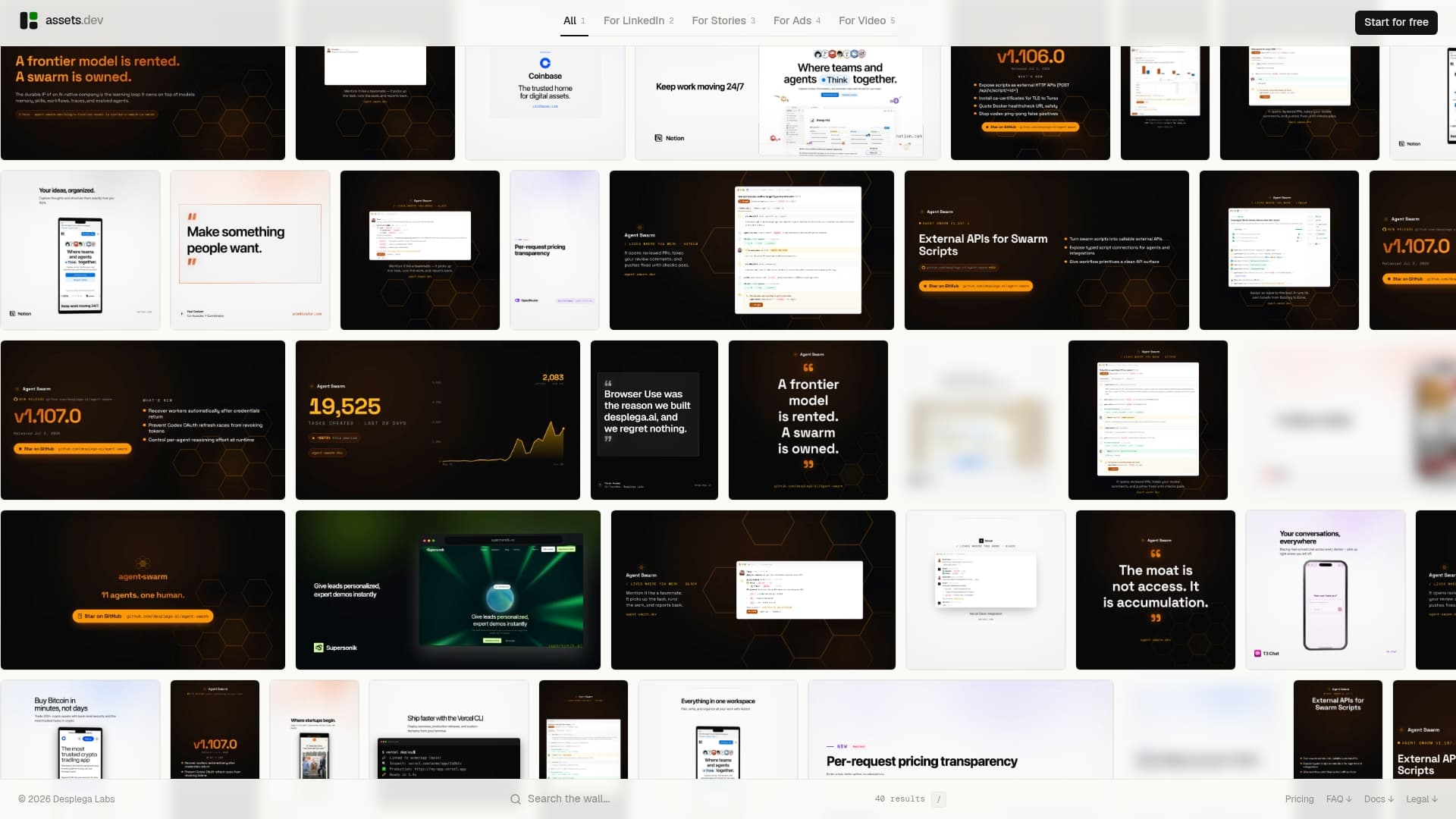
The CLI/API/MCP integration means you can wire assets dev into any automation stack — Zapier, Make, a CI pipeline, or a terminal command. Brand ingestion takes seconds. The free plan covers up to 100 image renders or 10 videos with no credit card required, and the pro plan is $9/month flat. Through July, new accounts receive 1,000 free credits instead of 100. If your team produces recurring marketing assets and wants them on-brand without manual design work, start with the free plan and run a real render against your brand tokens before you decide.
FAQ
What is the best free alternative to Beautiful.ai?
Canva offers the most usable free tier for template-driven design, while Google Slides is completely free for anyone with a Google account. assets dev also has a no-credit-card free plan covering up to 100 image renders or 10 videos.
Which Beautiful.ai alternative has the best API or CLI integration?
assets dev is the only option in this shortlist with a full CLI/API/MCP layer built for automated, programmatic rendering — making it the strongest fit for growth teams running automation pipelines.
Does Beautiful.ai export to PowerPoint?
Beautiful.ai does export to .pptx, but many web-native AI tools produce files that lose formatting when opened in PowerPoint. Always run a roundtrip test before migrating a full template library.
How long does it take to migrate from Beautiful.ai?
Small teams typically need a few weeks; enterprise teams with complex templates and automation pipelines should plan for a longer transition period, accounting for reformatting, QA, and re-wiring any Zapier or CI triggers.
Is Canva a good Beautiful.ai alternative for B2B marketing teams?
Canva works well for template-first and social asset production, but its brand governance is template-level rather than schema-level, and its API access is limited on lower tiers — a constraint for teams that need programmatic rendering at scale.