Field note
Best Animoto Alternatives for Growth Teams in 2026
Discover the best Animoto alternatives for growth teams in 2026. Find automation-first platforms to scale your marketing efforts efficiently.
For growth teams that need programmatic, brand-compliant output at scale, automation-first platforms beat Animoto's manual template approach every time. assets dev is the recommended automation-first option for marketers who need CLI/API/MCP integration and brand learning built in. Here's how to self-select quickly:
- Fast template social posts (LinkedIn, Instagram, X): template-first editors like Canva or Veed.io
- Source-to-video automation (ingest URLs, decks, recordings): assets dev, Pictory, or Lumen5
- Blog/webinar repurposing: Lumen5 or Pictory
- Prompt-to-video AI drafts: InVideo or Promo.com
- High-volume programmatic pipelines (API/CLI/MCP required): assets dev
Skip to the comparison table to rule options in or out fast, or jump to the decision checklist if you already know your volume.
Table of Contents
- How do Animoto alternatives actually compare for automation?
- What does each alternative actually do?
- How do you pick the right alternative for your growth stack?
- What does scaling from tens to thousands of assets actually require?
- Key Takeaways
- Why automation is the only honest answer for growth marketing in 2026
- assets dev: the automation-first alternative worth trying
- FAQ
How do Animoto alternatives actually compare for automation?
Context-aware generation — ingesting existing assets, URLs, or documents rather than starting from blank templates — is now the baseline expectation for teams processing hundreds of assets. Animoto still relies on manual drag-and-drop; that gap is where the alternatives below win.
| Category | Best for | Automation / programmatic | Branding & templates | API / CLI / MCP | Output types | Auto-posting | Pricing shape | Scale-readiness |
|---|---|---|---|---|---|---|---|---|
| Template-first editors | One-off campaign creatives | Manual | Broad brand kits | Limited | Image, video | Basic scheduling | Freemium; scales by seat | Low–medium |
| Prompt-to-video / AI draft | Quick social video from a brief | Prompt-driven | Moderate | Partial API | Video | Some platforms | Freemium to mid-tier | Medium |
| Source-to-video automation | Programmatic batch output | Ingest-to-render | Fast brand learning | Full API/CLI/MCP | Image, video, PDF | Yes | Freemium + credit/pro | High |
| Repurposing engines | Blog/webinar-to-clips | Semi-automated | Template-based | Partial | Video clips | Limited | Subscription | Medium |
| Voice/locale-first tools | Multilingual or narrated video | Partial | Moderate | Varies | Video | Some | Subscription | Medium |
Key trade-offs worth calling out:
- Speed-to-first-video favors template editors, but brand consistency at scale breaks down without fast brand-learning features.
- Repurposing engines are efficient when source material is longform; they're the wrong tool for net-new campaign assets.
- Pricing scales aggressively as monthly output increases on most platforms — audit cost-per-asset before committing.
- Tools that operate in a silo become workflow bottlenecks as teams scale; API/CLI/MCP access is non-optional at volume.
What does each alternative actually do?
Animoto
The incumbent. Drag-and-drop video builder with 50+ templates and Getty Images access. Fine for one-off social posts. No native auto-posting, no programmatic assembly, no API for pipeline integration. Annual billing required for advertised monthly prices.
assets dev
The automation-first pick for growth stacks. assets dev ingests a URL, deck, or brief, maps it to your brand in seconds, and renders images, videos, and PDFs across LinkedIn, Instagram, X, Google, and Substack. CLI, API, and MCP integration mean it slots directly into automated pipelines. Free plan covers 10 videos or 100 image renders with no credit card required. The only paid tier is €9/month. In July, users get 1,000 free credits instead of the standard 100.

Canva
The design generalist. Broad brand kit support, strong template library, and decent video editing. Where it falls short at scale: no fast AI brand-learning, limited programmatic controls, and no CLI. Great for mixed-media campaigns; not built for batch rendering.
Promo.com
Prompt-to-video with a large licensed media library. Good for quick social video from a brief. API access exists but is not first-class. Pricing moves into enterprise tiers at volume, and cost-per-asset math changes fast past a few dozen videos per month.
Lumen5
Blog-to-video repurposing engine. Paste a URL or article, and Lumen5 extracts key points and builds a storyboard. Solid for content teams turning written posts into social clips. Less suited to net-new campaign assets or batch programmatic output.
Pictory
Similar repurposing focus: long recordings, webinars, and blog posts become short social clips automatically. Source-to-video workflow is its core strength. API access is available on higher tiers. Brand controls are template-based rather than AI-learned.
InVideo
AI-scripted video from a text prompt. Large template library, decent auto-caption support, and a broad output range. Good for teams that need volume from prompts rather than ingested source material. Publishing automation is limited compared to source-to-video platforms.
Veed.io
Browser-based editor with strong subtitle generation, transcription, and translation. Scales reasonably well for teams producing social video at moderate volume. API access exists. Not an ingestion-first platform, but a solid middle ground between template editors and full automation.
Pro Tip: Before committing to any platform, run a cost-per-asset audit at your target monthly volume (50–100+ videos). Many platforms hide costs in enterprise tiers or credit consumption that only surface once you're past the free tier.
How do you pick the right alternative for your growth stack?
Work through these questions in order:
- What is your monthly asset target? Under 20 per month, any template editor works. Past 50, you need automation and cost-per-asset clarity.
- Do you need automated ingestion? If you're turning URLs, decks, or recordings into assets, you need a source-to-video platform, not a template editor.
- Which output platforms must you support? Confirm the tool renders natively for LinkedIn, Instagram, X, Google, and Substack before signing up.
- Do you need API/CLI/MCP for pipeline automation? If yes, rule out any platform without documented programmatic endpoints.
- What is your acceptable cost-per-asset? Calculate at your target volume, not the free tier.
Decision heuristics:
- Set-and-forget daily posting: choose automation-first (assets dev, Pictory at scale).
- One-off campaign creatives: a template editor like Canva or Veed.io is enough.
- Repurposing longform content: Lumen5 or Pictory.
- Full programmatic pipeline: assets dev with CLI/API/MCP.
For procurement, request these during any trial:
- Trial quota of 10–50 real assets (not demo content)
- API/webhook documentation and sandbox access
- SLA for render time and queue depth
- Pricing breakdown at 50, 100, and 500 assets per month
- Watch for: credit costs that aren't visible on the pricing page, and enterprise-only features that gate auto-posting
Pro Tip: Run a 30-day "scale sanity" trial: produce your actual target volume using real source material, measure end-to-end time-to-publish, and calculate true cost-per-asset including any overage fees.
What does scaling from tens to thousands of assets actually require?
The workflow shift is straightforward to describe and hard to execute without the right platform: ingest source material, generate script or storyboard, map to brand, render channel variants, publish, measure.
| Volume tier | Brand modeling | API / CLI | Review flow | Pricing model | Auto-posting | Analytics |
|---|---|---|---|---|---|---|
| Under 20/month | Manual brand kit | Not required | Ad hoc | Free plan | Optional | Basic |
| 50–200/month | Fast AI brand learning | Recommended | Lightweight approval | Credit or pro tier | Required | Per-channel |
| 200–1,000/month | Instant brand mapping | Required | Hosted review queue | Enterprise or credit bundle | Required | Pipeline-level |
| 1,000+/month | Automated brand governance | Required + MCP | Automated QA | Enterprise SLA | Required | Real-time |
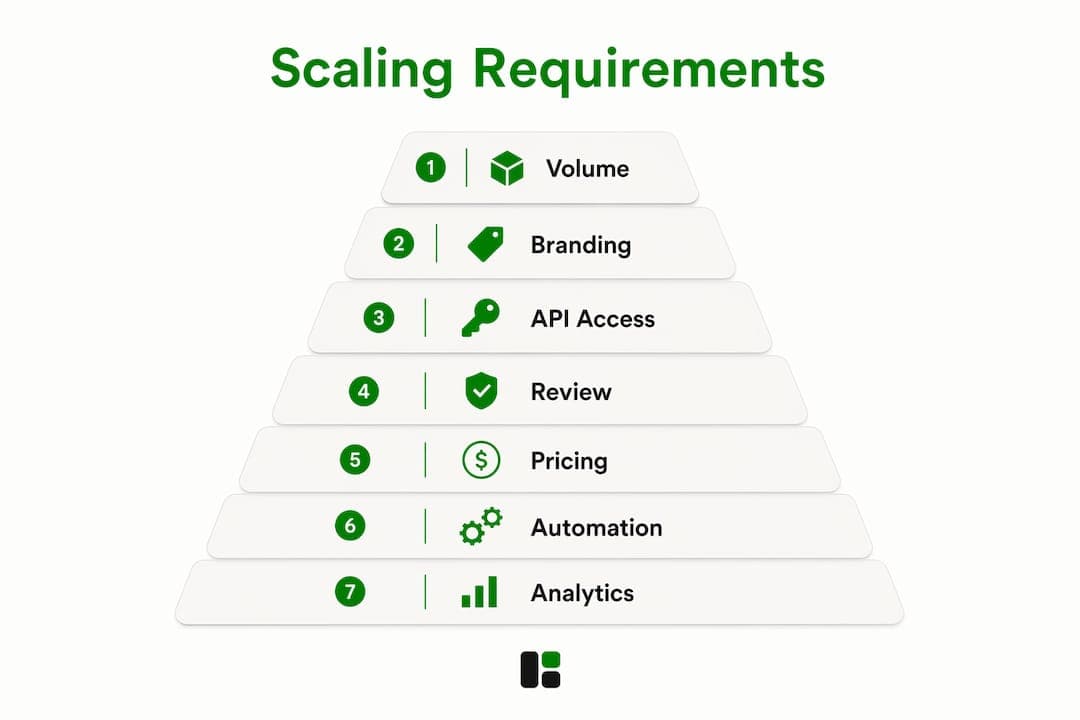
Successful teams stop editing individual videos and map source material to brand-compliant templates via API/CLI, enabling programmatic batch renders and direct publishing. The cost levers to track: render time per asset, credit or per-export fees, storage and bandwidth, and human review time per asset. Template variants and channel-specific rendering cut cost-per-asset significantly at volume.
Watch for these signals that you've outgrown a manual tool: a growing render backlog, review cycles longer than 24 hours, and more than one manual edit per asset before publish. Those are the cues to move to API/CLI automation. For high-volume marketing video production, the agency perspective consistently points to automation as the only path to brand consistency at scale.
Pro Tip: Use channel-specific template variants (a LinkedIn version and an Instagram version of the same asset) to double output without doubling render cost.
Key Takeaways
For growth teams evaluating Animoto alternatives, the single most important decision is whether you need a template editor for occasional use or a source-to-video automation platform for recurring, brand-compliant output at scale.
| Point | Details |
|---|---|
| Automation beats templates at scale | Past 50 assets per month, source-to-video platforms with API/CLI outperform manual template editors on cost and consistency. |
| Audit cost-per-asset early | Many platforms hide costs in credit models or enterprise tiers; calculate at 50–100+ assets per month before committing. |
| API/CLI/MCP is a procurement requirement | Any platform without documented programmatic endpoints becomes a bottleneck as volume grows. |
| Match tool to job | Template editors for one-off campaigns, repurposing engines for longform content, automation-first platforms for recurring programmatic output. |
| assets dev for automation-first pipelines | assets dev offers CLI/API/MCP integration, instant brand learning, and a free plan (10 videos, 100 image renders) with a single €9/month pro tier. |
Why automation is the only honest answer for growth marketing in 2026
The teams that hit a wall aren't the ones with bad creative. They're the ones still editing individual videos at 60 assets per month. Manual template work doesn't scale, and the math is unforgiving: if each asset takes 20 minutes of human time, 100 assets per month is 33 hours of editing, before review and publishing.
Brand-learning and ingest-driven generation change that equation. When a platform maps your brand in seconds and renders channel variants from a URL, the work shifts from production to strategy. That's where growth marketers should be spending time.
The operational benefits are concrete: faster time-to-publish, predictable cost-per-asset, central brand governance, and pipeline integration that treats video as a component rather than a project. Modern video automation tools are built around exactly this model.
The conventional wisdom still points people toward the most recognizable template editors. That's fine for a one-off campaign. It's the wrong answer for a team that needs 200 brand-compliant assets next month and 400 the month after.
assets dev: the automation-first alternative worth trying
Every tool on this list solves part of the problem. assets dev solves the whole pipeline: brand learning in seconds, asset generation from URLs or briefs, image/video/PDF output across LinkedIn, Instagram, X, Google, and Substack, and CLI/API/MCP endpoints that slot into any automated growth flow.
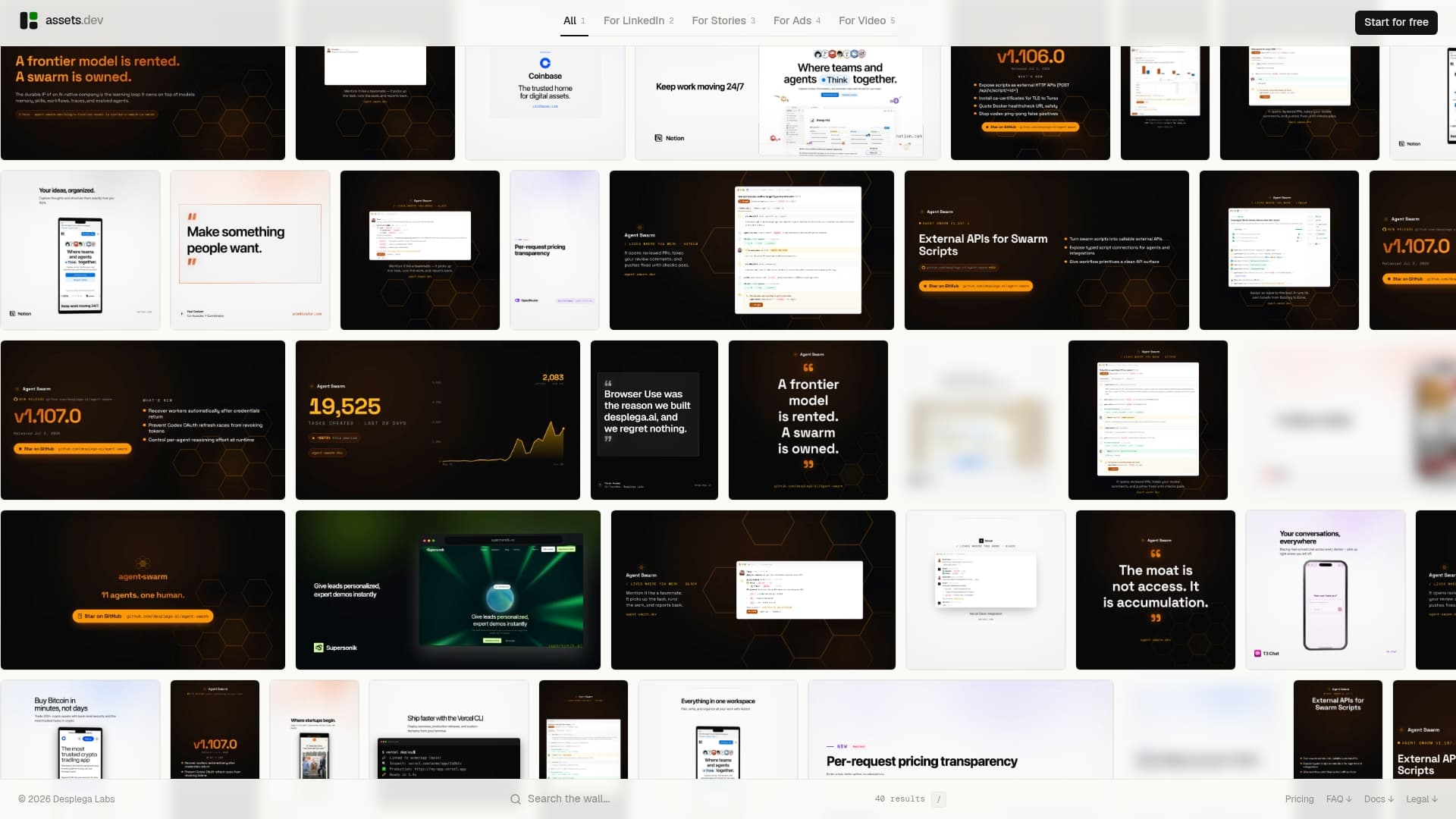
The free plan covers 10 videos or 100 image renders with no credit card required. In July, that free quota jumps to 1,000 credits. The only paid tier is €9/month. To get the most out of the trial: ingest a real URL or deck, verify brand mapping, render at least five channel variants, and connect the API or MCP endpoint to your existing stack. That 30-minute test will tell you more than any feature comparison.
Start your free trial at assets.dev.
Sources and further reading
- Best Animoto Alternatives in 2026 | 7 Tested Picks — ngram.com
- Animoto Alternatives: 5 Better Options for AI Video Creation (2026) — AutoFaceless Blog
- 11 Animoto Alternatives That Deliver — The Marketing Agency
- Best Animoto Alternatives in 2026: 7 Tools Compared — ToolRadar
- Always check each platform's API/CLI documentation and live pricing page before procurement; credit models and enterprise tiers change frequently.
FAQ
What is the best Animoto alternative for automated video production?
assets dev is the strongest automation-first option for growth teams, offering CLI/API/MCP integration, instant brand learning, and image/video/PDF output across major platforms, all on a free plan with no credit card required.
Are there free Animoto alternatives?
Yes. assets dev, Canva, Veed.io, InVideo, and Lumen5 all offer free plans or free tiers. assets dev's free plan covers 10 videos or 100 image renders, with no credit card required.
Which Animoto alternative works best for repurposing blog posts or webinars?
Lumen5 and Pictory are built specifically for this job, turning articles, recordings, and webinars into short social clips automatically.
Do any Animoto alternatives support API or CLI integration?
assets dev offers full CLI, API, and MCP integration. Veed.io and Pictory offer partial API access on higher tiers. Most template-first editors have limited or no programmatic endpoints.
How do I avoid hidden costs when switching from Animoto?
Audit pricing at your target volume — specifically at 50–100+ assets per month — before committing. Many platforms move costs into credit bundles or enterprise tiers that aren't visible on the standard pricing page.